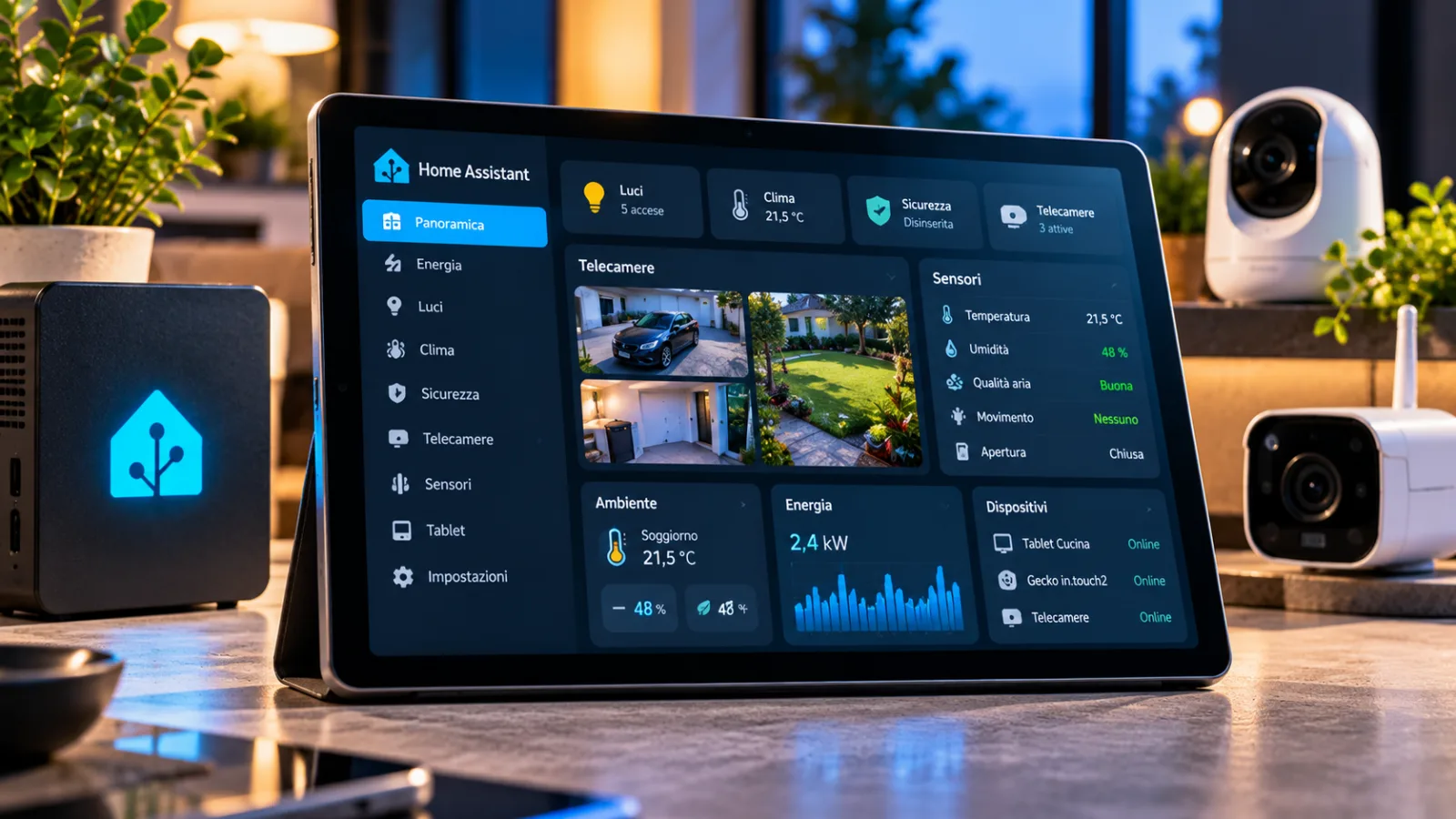
Casa Mia Home Assistant brings together sensors, tablets and cameras in a single project
Casa Mia Home Assistant combines sensor monitoring, tablet dashboards and cameras. Here are the requirements and installation methods.
A project born from hot tub maintenance reminders turned intohouseMia, a collection of Home Assistant tools. The author has combined sensor status control, tablet-adapted dashboards, camera management and guest access into a free, MIT-licensed solution. The goal is to reduce the work necessary to organize different household functions, while leaving the modules deactivated until they are configured.
How Casa Mia Home Assistant works
Casa Mia was born from a concrete need: receiving alerts for the maintenance of a hot tub without building a separate automation for each reminder. The developer, who also maintains Gecko integration for spas with the Gecko in.touch2 controller, then extended the idea to other elements of the home, including the freezer, water softener rooms, outlets and dead batteries. The result brings together multiple tools into a single Home Assistant app and integration, distributed for free under the MIT license.
Sensor monitoring and dashboards
Casa Mia Home Assistant - Sensor Watch assigns nominal, task, warning, error or critical levels to the sensors and reports changes. It can configure entire categories of devices, suggesting levels based on sensor history or predefined profiles. Also check Home Assistant Recorder and integrations that fail to launch. The developer says he has already identified a real fault in his home. The Heating Flow card shows heating and hot water as an animated diagram: the colors indicate the temperature and the moving arrows represent the flow. There is a system view, a section dedicated to the heat pump and a room-by-room view; the configuration takes place in the board editor. A complete guide is announced for an upcoming release.
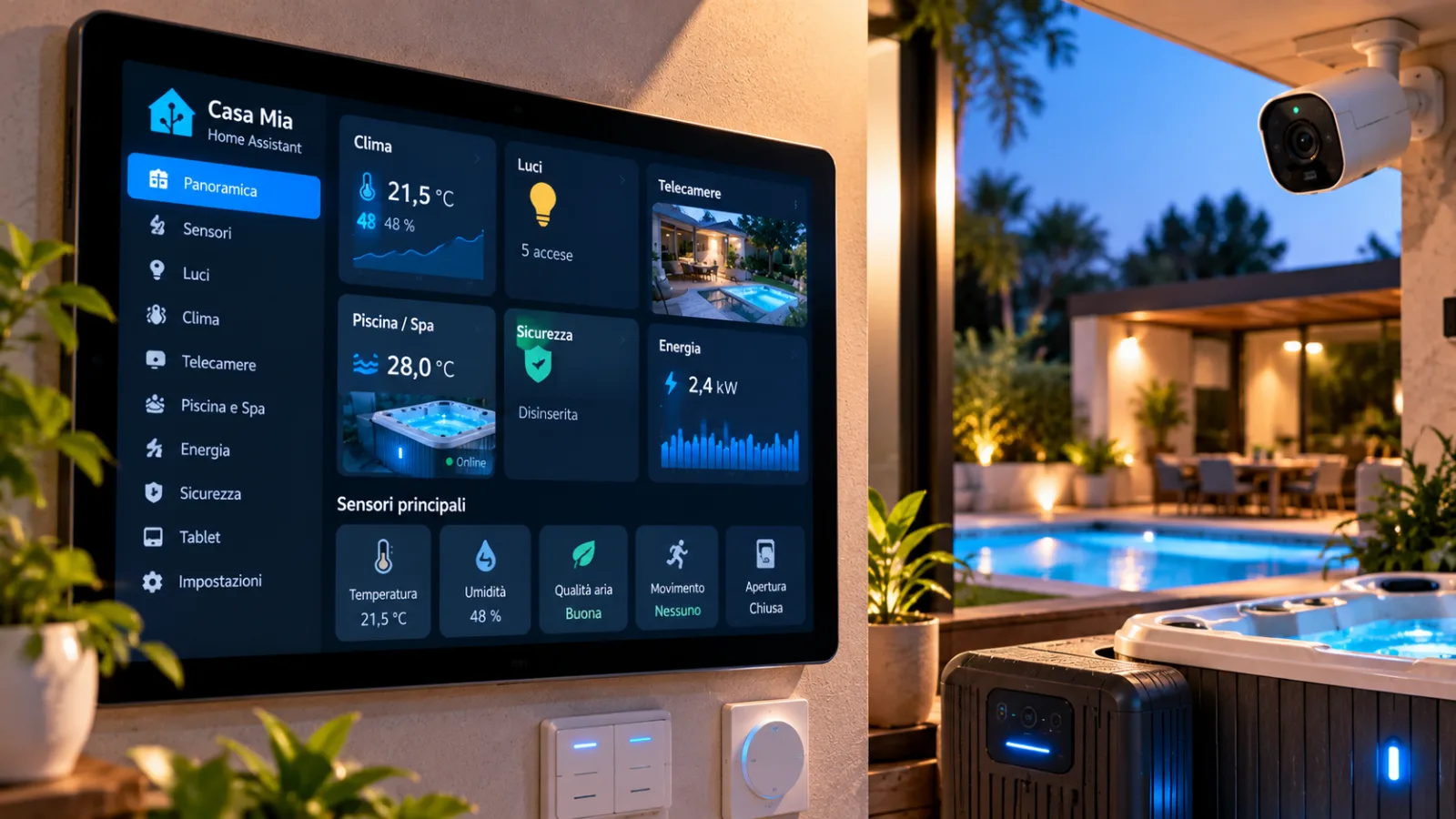
Tablets, guests and cameras
Tablet Layout adapts Home Assistant's Sections view to wall-mounted tablets: takes up available space without scrolling and rearranges panels as tabs appear or disappear. Garnish hides the headers of empty sections, while Over layer overlays a tab over the entire dashboard as long as a condition, such as the display of a QR code intended for a guest, persists. The Guest login feature allows guests to access your dashboard via QR. Camera Commander combines camera images into a single stream, so an underpowered tablet doesn't have to play many at once. Also included is an alarm panel, still in development and disabled by default, as well as Kiosk Satellite tablet tools and kiosk settings.
Requirements and installation
To test the project you need Home Assistant OS or a Supervised installation, 64-bit architecture and Home Assistant 2026.3 or later. In Settings → Apps → App store add the repository https://github.com/gazoodle/casa-mia and install Casa Mia; the README accompanies you in the subsequent configuration. All modules start deactivated and indicate their level of maturity, for example Alpha or Beta. The author specifies that the software does not send data to external services and that the Pulls counter visible on GitHub is a platform metric. The project was built with extensive AI support, but design, decisions, and home testing remained under the control of the developer. The discussion incommunityinvites you to report problems and to evaluate whether the modules should remain together or be distributed separately.


Commenti
Ancora nessun commento. Sii il primo a partecipare.