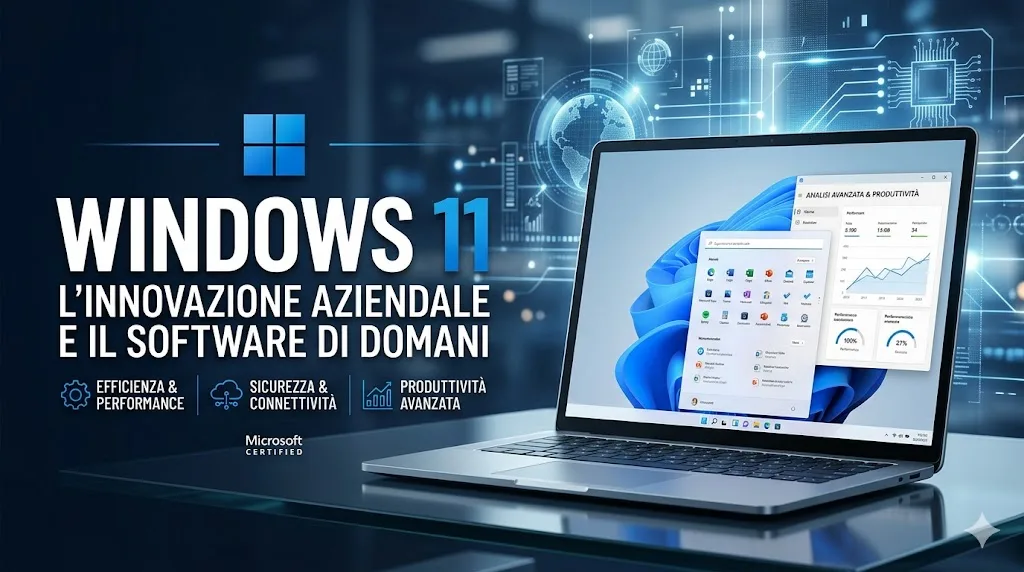
Windows 11 Quick Update: Windows 11: Update p
Windows 11 Fast Update: See how the latest Windows 11 update makes your system noticeably faster and more responsive, reducing startup times
Windows 11 fast update: what to know
A faster Windows 11 thanks to the new update
Microsoft continues its efforts in optimizing the operating system, and the latest software update forWindows 11promises to make it significantly faster and more responsive. The first indications, as reported by HDBlog, suggest concrete improvements that will translate into a more fluid and performing user experience. This intervention aims to resolve some of the critical issues related to speed which, despite the steps forward compared to previous versions, are always a focal point for users who want the most from their PC.
Tangible benefits for the user
The primary objective of this newWindows 11 fast updateis to drastically shorten the waiting times associated with daily operations. The optimization introduced appears to focus on different aspects of the system, from resource management to the efficiency of background processes.
Reduced startup and app opening times
One of the most exciting new features concerns application opening times. According to available information, there is talk of a reduction of up to 40%. This means that programs that previously took several seconds to launch will now be ready to use in a fraction of the time. The startup of the operating system should also benefit from this optimization, allowing users to be up and running more quickly after turning on the computer.
Greater overall system responsiveness
In addition to opening apps, the update aims to improve the overall responsiveness ofWindows 11. This results in a snappier user interface, less lag when using multiple apps at the same time, and an overall smoother feel. For those who use their PC for work or for activities that require intensive multitasking, these improvements can make a substantial difference in terms of productivity and comfort of use.
Future implications and recommendations
This kind ofupdatesdemonstrates Microsoft's attention to user feedback and willingness to continue refining the experience onWindows 11. It is always advisable to keep your operating system updated to benefit from the latest optimizations and security patches. Users who notice a slowdown in their system should check the availability of this new update, which could be the ideal solution to give your PC a boost.


Commenti
Ancora nessun commento. Sii il primo a partecipare.