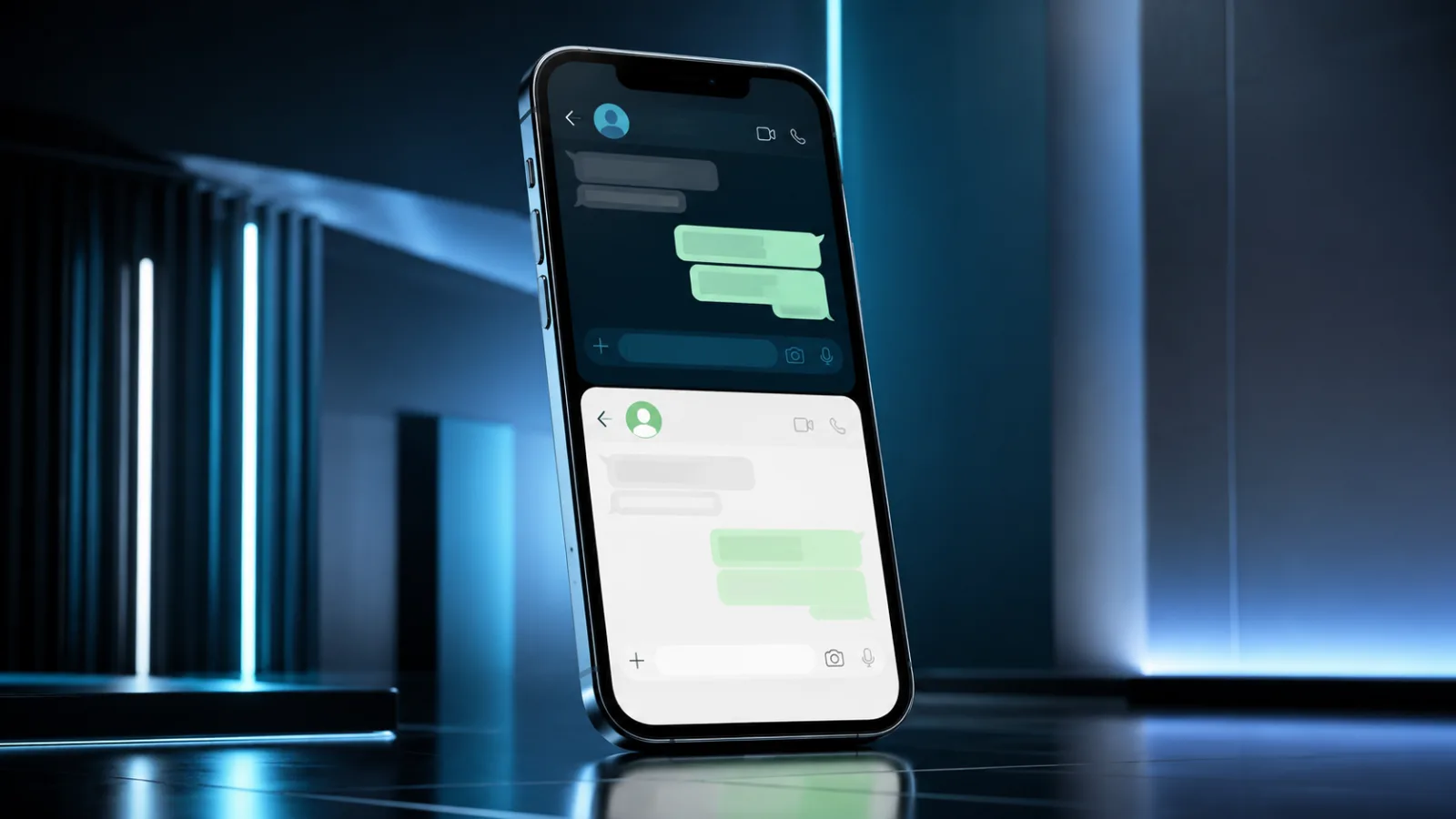
WhatsApp multi-account iPhone: WhatsApp multi-account
WhatsApp Multi-Account iPhone: The long-awaited multi-account feature of WhatsApp has finally arrived on iPhone with the latest iOS update
Multi-account WhatsApp on iPhone: an expected innovation
After a long wait and several testing phases, WhatsApp has finally made multi-account support available for iPhone users too. This functionality, already present for some time onandroid, will allow you to manage multiple accounts within the same application, simplifying life for those who use different numbers for personal and professional reasons. The news, confirmed by several reliable sources such asHDBlog, marks an important step in the evolution of the most popular messaging app in the world.
The introduction ofWhatsApp multi-account iPhonewas one of the most frequent requests from the Apple user community. The ability to easily switch from one profile to another without having to carry out continuous logging in and out procedures represents a notable improvement in terms of usability and practicality. The new version of the iOS app integrates this functionality natively, making it accessible to all users who update the application to the latest release available.
How WhatsApp multi-account support works on iOS
The implementation of multi-account support on iPhone follows a similar principle to that already seen on Android. Once the app is updated, users will find a new option in the settings to add an additional account. You will need to have a second phone number and an associated SIM to be able to set up the new profile. The procedure is guided and intuitive, allowing you to easily associate a second number with your WhatsApp installation.
Switch between accounts
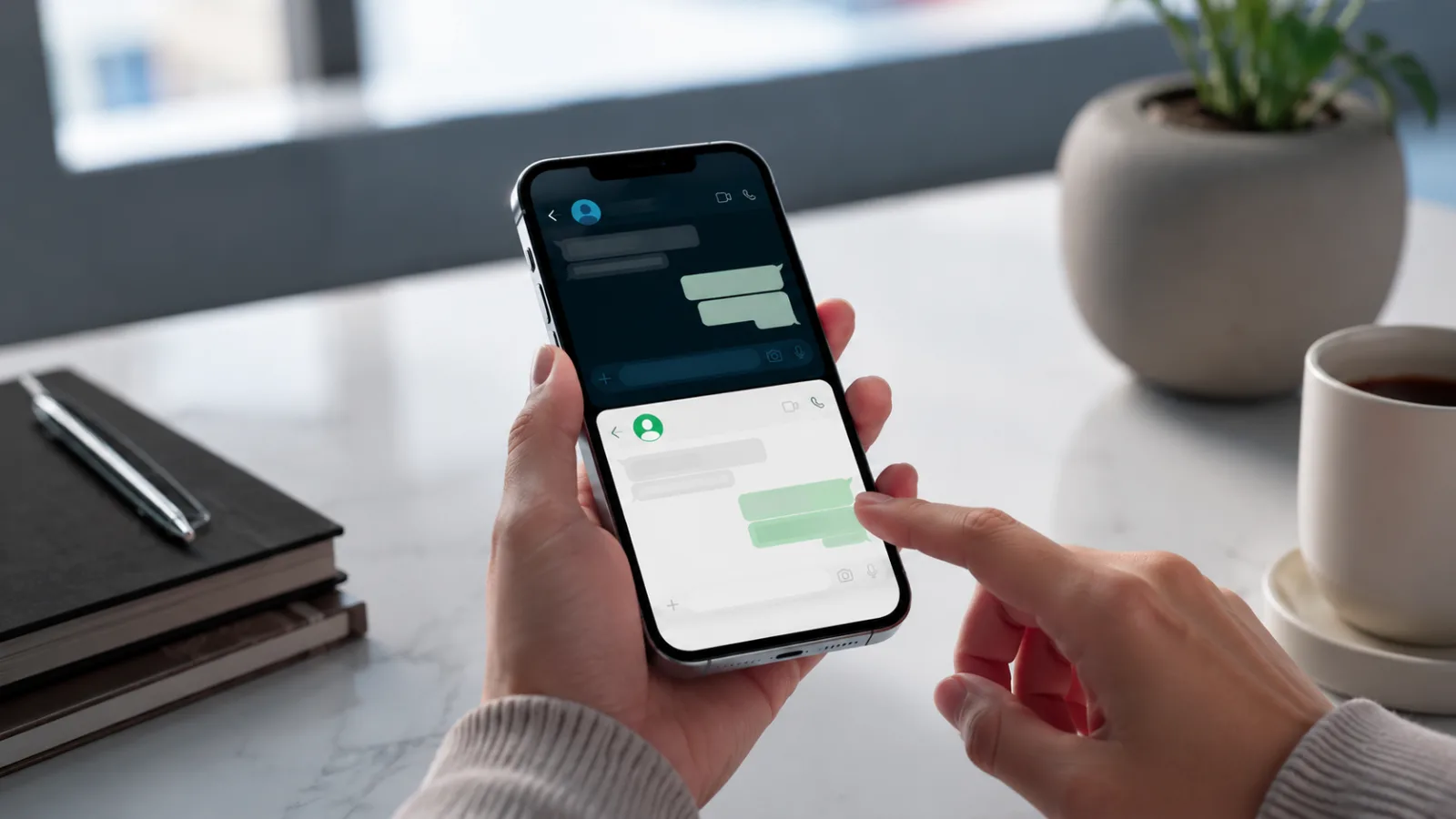
The transition between different accounts is designed to be quick and smooth. From the main chat screen, you will be able to access a drop-down menu or a dedicated icon that will allow you to select the desired account. Each account will maintain its own chats, contacts and settings, ensuring a clear separation between conversations. This means that the notifications you receive will be clearly associated with the correct account, avoiding confusion.
Notification management
A crucial aspect of multi-account support involves managing notifications. WhatsApp has provided a system that allows you to receive separate alerts for each account. Users will be able to customize notification settings for each profile, deciding which sounds to use or whether to silence certain conversations. This ensures that the user is always aware of which account a new message comes from, maintaining complete control over their communication.
Implications for iPhone users
The arrival ofWhatsApp multi-account iPhonebrings with it numerous advantages. In addition to the convenience of managing multiple digital identities, this feature is particularly useful for those who work on the move or for those who want to keep private and work communications separate. The ability to have two active accounts simultaneously on the same app eliminates the need to use two separate devices or resort to less practical alternative solutions. The native integration on iOS confirms WhatsApp's commitment to providing an optimal user experience across all platforms.
Important update:The multi-account feature of WhatsApp for iOS is now rolling out globally. Make sure you have the latest version of the app installed on your iPhone to use it.


Commenti
Ancora nessun commento. Sii il primo a partecipare.