WallMode: Turn your Android tablet into a smart display for Home Assistant
Discover WallMode, the open-source Android app that transforms a tablet into a dedicated display for Home Assistant, with advanced motion detection functions
WallMode: Turn your Android tablet into a smart display for Home Assistant
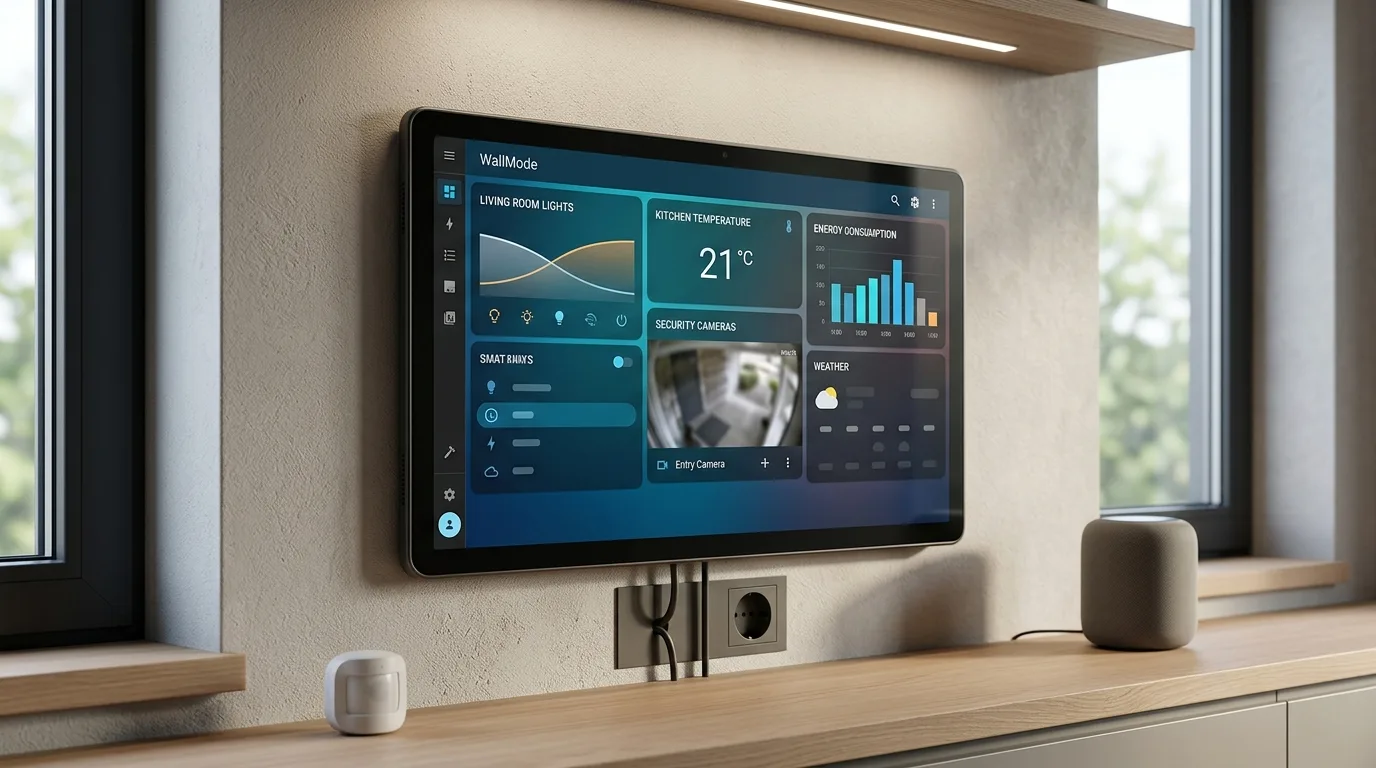
WallMode Home Assistant is at the center of the news: In the world of home automation, the integration and visualization of data from smart home systems are fundamental. For those who use Home Assistant, having a dedicated, always-on display can significantly improve interaction with their smart home. This is where it comes inWallMode, a new open-source Android application designed to turn a tablet into a real wall control panel. WallMode's goal is simple: leverage an unused tablet to efficiently showcase your Home Assistant dashboard, adding smart features that make it useful even when it's not actively being used.
WallMode is not intended as a replacement for the Home Assistant dashboard, but rather as an interface that enhances it. The app opens the existing dashboard via Android WebView, enriching it with features such as trackingmovement, customizable screensavers and recovery tools to ensure business continuity. Integration with Home Assistant is further simplified with optional support for MQTT, which allows device discovery, status viewing and direct control from the display.
News for your Smart Home
WallMode represents an evolution in the use of tablets as control panels for home automation. Its open-source nature and configuration flexibility make it an attractive solution for Home Assistant enthusiasts who want to optimize interaction with their smart home.
Key features of WallMode for Home Assistant
The application offers a number of features designed to maximize the usefulness of a tablet as a wall display:
Full screen dashboard and auto launch
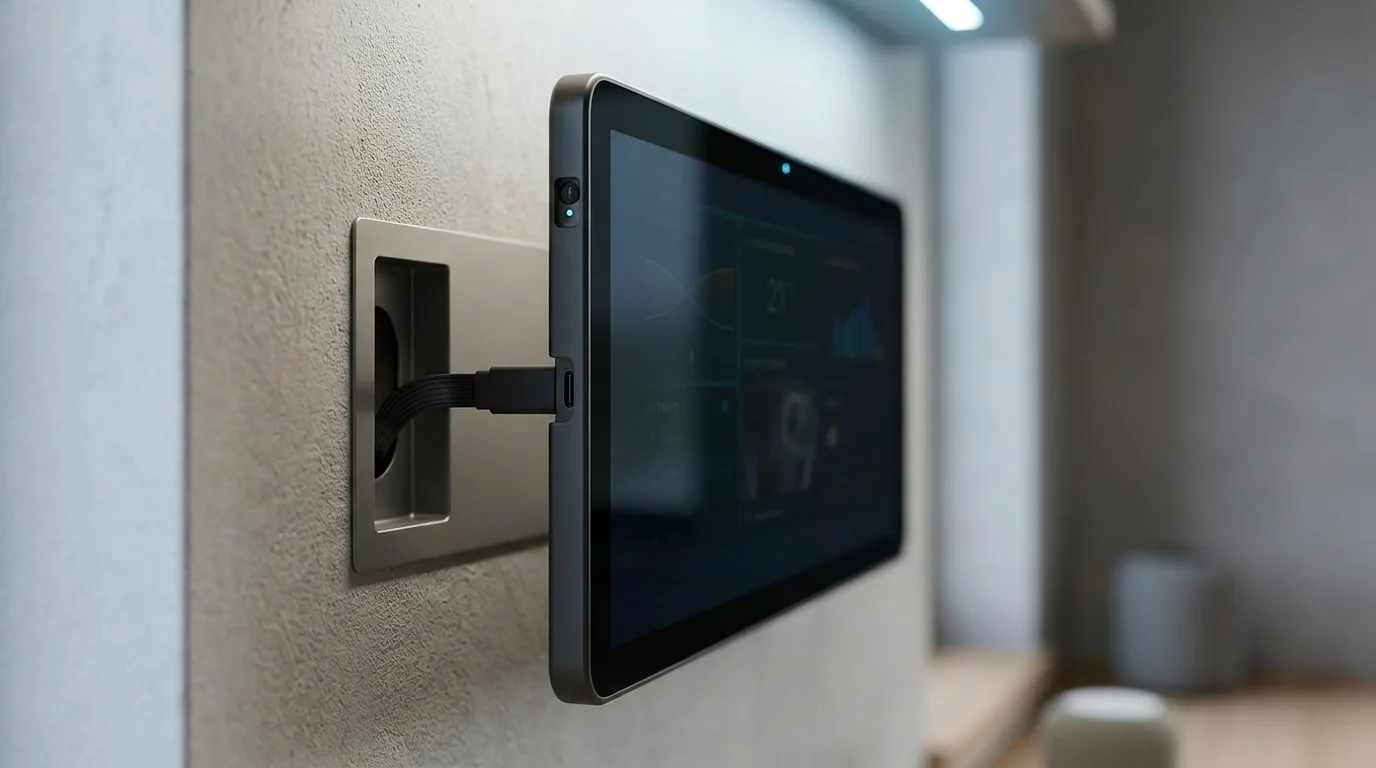
WallMode supports viewing the dashboard in portrait or landscape mode, with the option to auto-launch when the device turns on. This ensures that the tablet is always ready for use without manual intervention.
Motion detection and ambient display
Thanks to camera motion detection, the inactivity timer is reset whenever motion is detected. When the room is quiet, the display can dim or show a customized screensaver (such as a clock, weather forecast, or a photo album from Immich). Touch or movement brings the dashboard back to full visibility.
Home Assistant integration via MQTT
For deeper integration, WallMode supports Home Assistant via MQTT. This allows automatic discovery of devices, display of status information and direct control from the display. The use of MQTT is optional for basic dashboard functionality.
Notifications and temporary views
The app allows you to view messages, prompts with two response options, or temporarily open specific views in response to events, such as a doorbell ringing. Blueprints for Home Assistant are included in the source code to facilitate these integrations.
Configuration via browser and recovery tools
WallMode configuration takes place via a control panel accessible via browser from a computer or smartphone on the local network. The application also includes recovery tools, such as loading/error screens, retry options, and an optional watchdog to ensure the display remains operational.
A practical example of use
WallMode Home Assistant - Let's imagine a tablet installed in the laundry room. An automation in Home Assistant might notify you "Washing finished" with a confirmation button. WallMode would display this notification discreetly, allowing the user to confirm the action, then return to viewing the main dashboard. This flexibility makes the tablet a much more versatile tool than a simple static display.
Final thoughts on WallMode
WallMode presents itself as an excellent solution for those who want to make the most of an old Android tablet for their Home Assistant installation. Its open-source nature, combined with an advanced feature set and flexible configuration, makes it a valuable tool for improving smart home interaction. The integration with MQTT and notification management open up interesting use scenarios, transforming a simple display into a truly intelligent command center.
Useful Resources


Commenti
Ancora nessun commento. Sii il primo a partecipare.