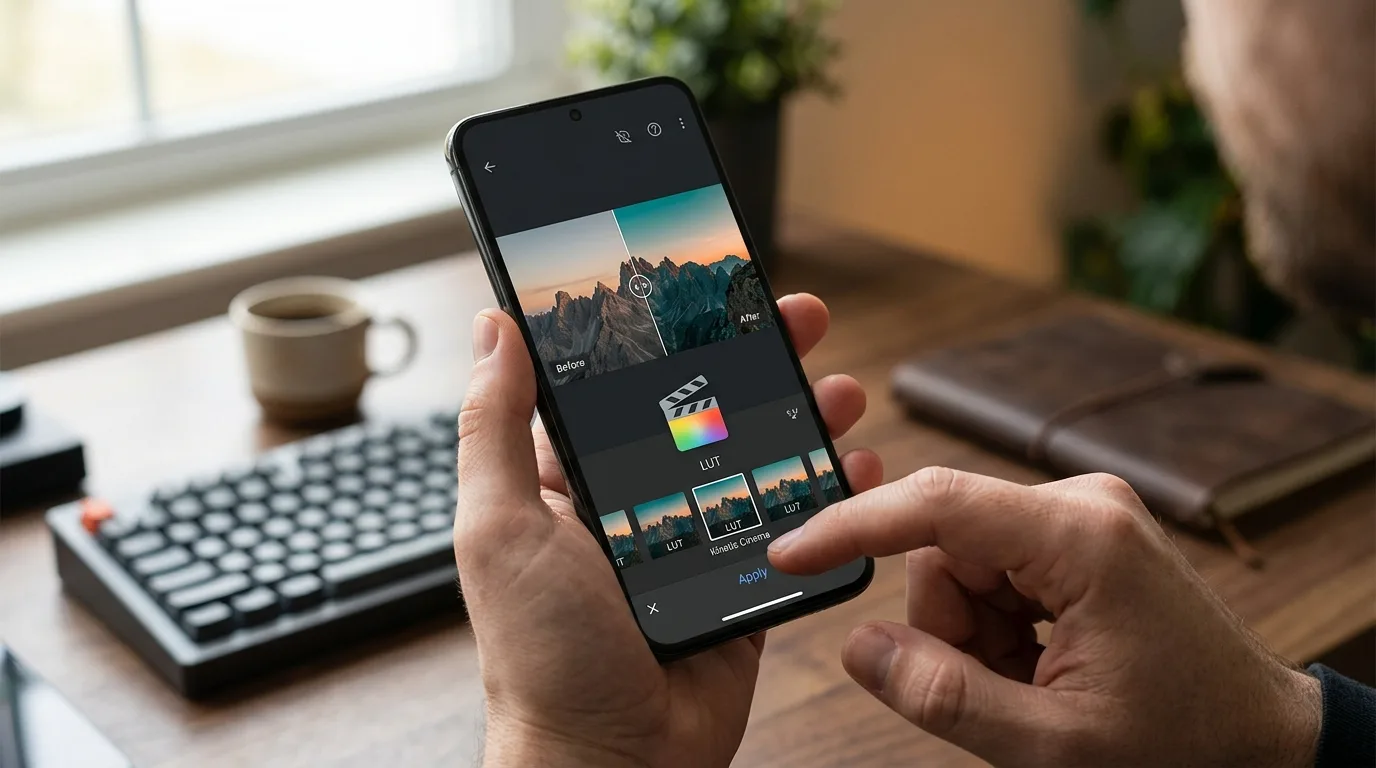
Snapseed for Android is preparing to support LUTs, a step forward for photographers
Snapseed for Android may soon integrate support for LUTs, expanding the creative possibilities for mobile photographers. Find out what it means.
Snapseed and the evolution of mobile editing
Snapseed, Google's photo editing app, has long been a go-to for Android users who want to enhance their images directly from their smartphone. Its intuitive interface and wide range of professional tools have made it a favorite choice for both amateurs and professionals. A recent teardown of the Snapseed APK for Android, as reported byAndroidAuthority, suggests that the application is preparing to introduce a feature expected by many: thesupportfor LUTs (Look-Up Tables). This innovation could further elevate Snapseed's creative capabilities, bringing it closer to professional workflows.
Update:The latest code analysis of Snapseed for Android indicates the imminent introduction of support for LUTs, a feature that could revolutionize mobile photo editing.
What are LUTs and why they are important for photographers
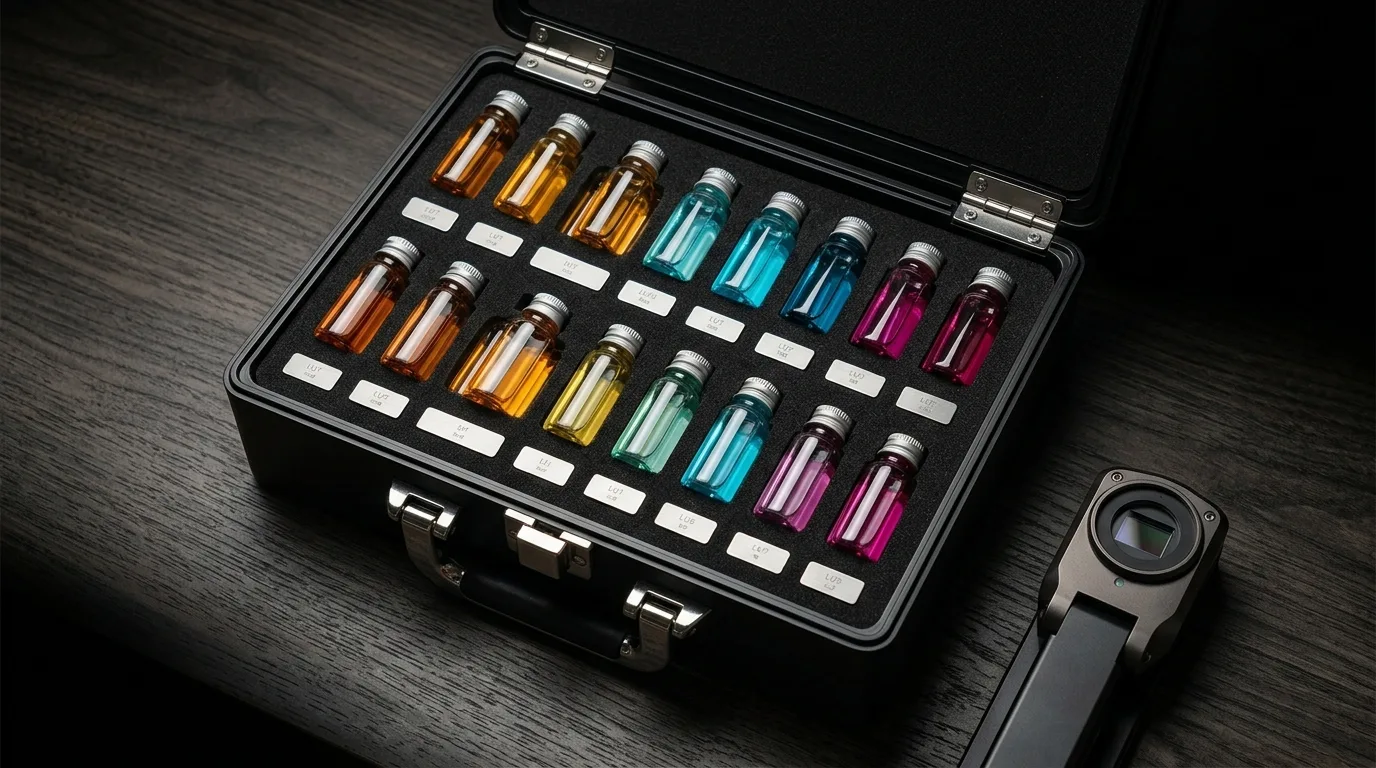
LUTs, which stands for Look-Up Tables, are essentially data tables that are used to map an input color to an output color. In the context of video and photography editing, LUTs allow you to quickly apply complex color corrections and predefined visual styles to images. They can be used to simulate the look of cinematographic film, create specific looks (such as the "cinematic look" or "vintage") or simply to make precise color corrections. For photographers, having the ability to import and apply custom LUTs means having much greater control over the aesthetics of their images, speeding up the post-production process and ensuring stylistic consistency between different photos.
The potential impact of LUT support on Snapseed
Integrating LUT support into Snapseed for Android would be a significant evolution for the app. Currently, Snapseed offers a number of very powerful color adjustment tools, but directly applying predefined or custom LUTs would offer an unprecedented level of flexibility and speed. Photographers could download LUTs from various online sources, create their own LUTs based on specific styles, and apply them with a simple tap. This would make Snapseed an even more powerful tool for those working with mobile photography, allowing you to achieve professional results quickly and efficiently. The possibility of usingSnapseed LUT supportnatively would open up new creative frontiers for users.
Additional tools on the way?
Snapseed LUT support - In addition to LUT support, the APK teardown also revealed references to a "Motion Blur" tool, which may be coming to Android in the future. While not directly linked to LUTs, this suggests that Google is actively working to expand Snapseed's capabilities, keeping it competitive in the rapidly evolving landscape of mobile photo editing. The introduction of advanced features like LUT support demonstrates Google's commitment to providing powerful and accessible tools to Android users, cementing Snapseed's position as one of the best photo editing apps available.
Snapseed for Android
Description:Free photo editing application developed by Google.
Main features:Wide range of adjustment tools, filters, advanced retouching, RAW support.
Strengths:Intuitive interface, professional features, constant updates.
Next expected news:Support for LUT, Motion Blur tool.
The upcoming LUT support in Snapseed for Android marks a major step forward for the app and for mobile photographers. This feature, combined with potential future additions, establishes Snapseed as an essential tool for anyone who wants to get the most out of their smartphone photography.


Commenti
Ancora nessun commento. Sii il primo a partecipare.