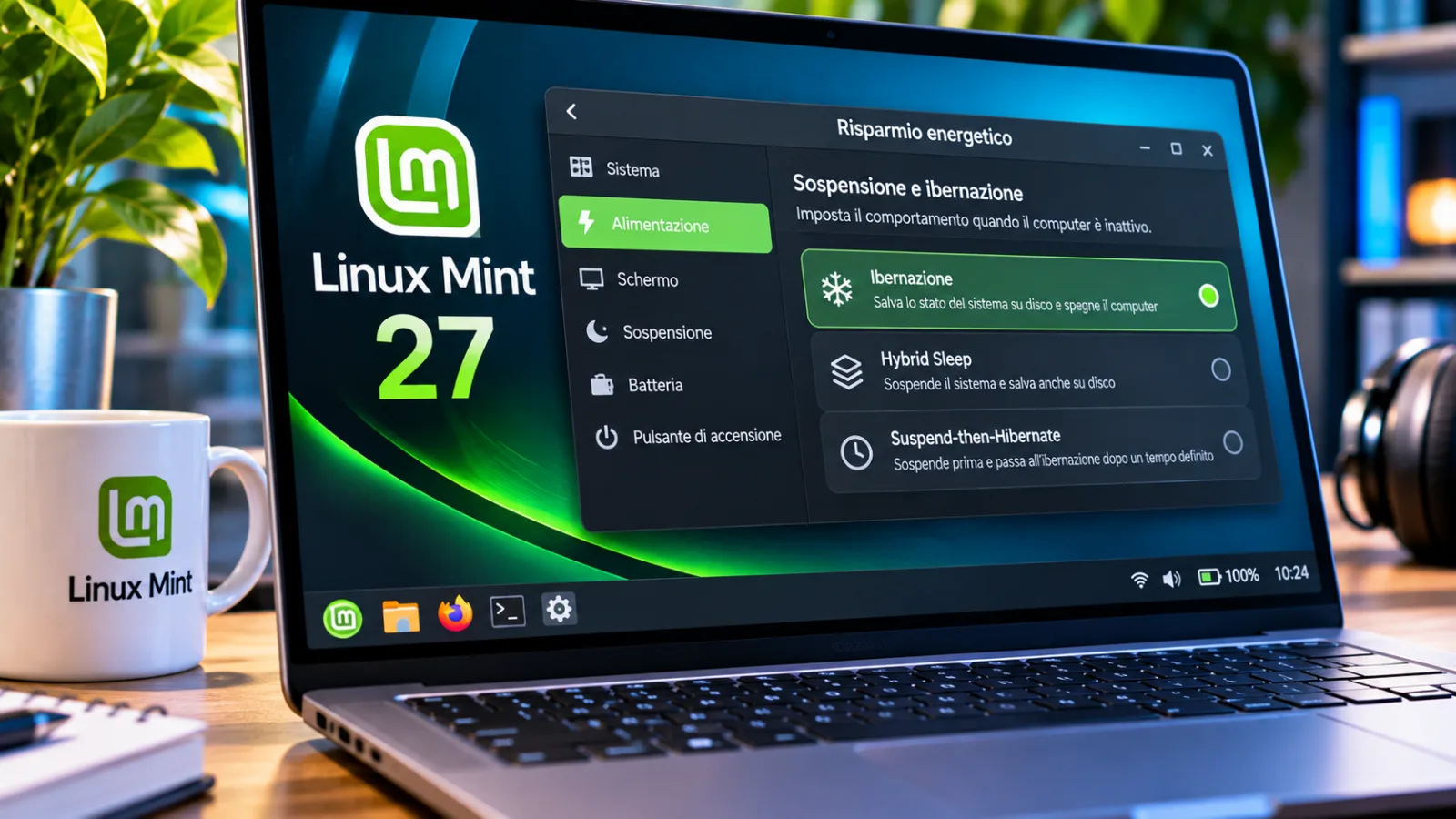
Linux Mint 27 brings hibernation back to laptops and adds two hybrid modes
Linux Mint 27 reintroduces hibernation on laptops with two hybrid modes and a dedicated sleep configuration page.
LinuxMint prepares the return of hibernation on laptops, so as to maintain a work session even when the battery runs out during a break. The novelty will arrive with Linux Mint 27, scheduled for December, and will be managed through a new page dedicated to sleep modes. Alongside classic hibernation, there are two hybrid options that allow you to choose a different balance between speed of recovery and job protection.Source:OMG Ubuntu.
Linux Mint 27 and the new energy saving management
Linux Mint 27, expected in December, will introduce a Sleep Modes page in the system administration tool. From here it will be possible to enable and configure hibernation, a mode that is available again after its absence in previous versions. The news is reported by OMG! Ubuntu based on the recommendations of the Linux Mint project.
The change mainly affects laptops: in current versions, closing the lid normally activates suspension. This mode continues to consume energy, albeit to a lesser extent, and a completely discharged battery may result in the loss of your session.
How hibernation works on laptops
Hibernation saves session state to disk and then shuts down the computer. At the next startup, the system restores the previous work. This is the main difference compared to suspend, which keeps the device in a power-draining state and does not guarantee session recovery if the battery runs out.
The return of the function does not eliminate some limitations: hibernation takes longer than suspension both to come into operation and to restore the session. It also requires a sufficiently large swap space. The choice therefore depends on the needs for autonomy and the speed with which you want to return to work.
Hybrid Sleep and Suspend-then-Hibernate: the two alternatives
Linux Mint will also offer Hybrid Sleep, which simultaneously suspends the device and saves the session to disk. If the battery runs out completely, the saved copy still allows you to restore your work. This mode therefore combines suspension with additional session protection.
The second option, Suspend-then-Hibernate, initially puts the laptop to sleep and switches to hibernation when the battery charge becomes critically low. This is different from Hybrid Sleep: hibernation saving occurs later, in response to battery level.
Both modes expand the possibilities of energy management, but will not replace traditional suspension, which will remain available.

Ubuntu, Secure Boot and feature availability
According to the Linux Mint team, hibernation was absent because Ubuntu had removed it from the sleep modes offered. On Ubuntu the function normally remains disabled by default and, as the source reports, is often blocked when Secure Boot is active.
The new Sleep Modes screen aims to simplify setup, but doesn't erase the technical requirements of hibernation. In particular, swap space and system configuration remain aspects to consider.
The arrival is expected with Linux Mint 27 in December: it is therefore a function announced for the next version, not a change already distributed in the current editions.
Editorial source consulted:OMG Ubuntu.


Commenti
Ancora nessun commento. Sii il primo a partecipare.