iOS 27: The Apple TV Remote Control app is renewed with two new functions
iOS 27 introduces two important new features for the Apple TV Remote app: an app launcher and quick access to the Top Shelf. Find out what changes.
With the release of the Release Candidate of iOS 27, two interesting new features have emerged hidden within the Remote Control app forappleTV. These features, discovered byMacRumorsand confirmed by some developers, promise to make interaction with the Apple set-top box even more fluid and efficient, significantly improving the user experience linked to theApple TV iOS 27 remote control. The changes, although not yet active by default, suggest a very specific direction for the future of multimedia control on Apple TV.
Important Update:iOS 27 brings two new features to the Apple TV Remote app, improving access to apps and content.
Two new features for the virtual remote control
Apple TV Remote Control iOS 27 - The Apple TV Remote Control app, integrated into iOS, is preparing to receive a significant upgrade with the next operating system update. The two main innovations concern the introduction of a launcher for applications and simplified access to the "Top Shelf" section, the showcase of content suggested and playing on the Apple TV. These features, currently hidden behind feature flags, were identified by analyzing the iOS 27 Release Candidate code.
App Launcher: Quick access to applications
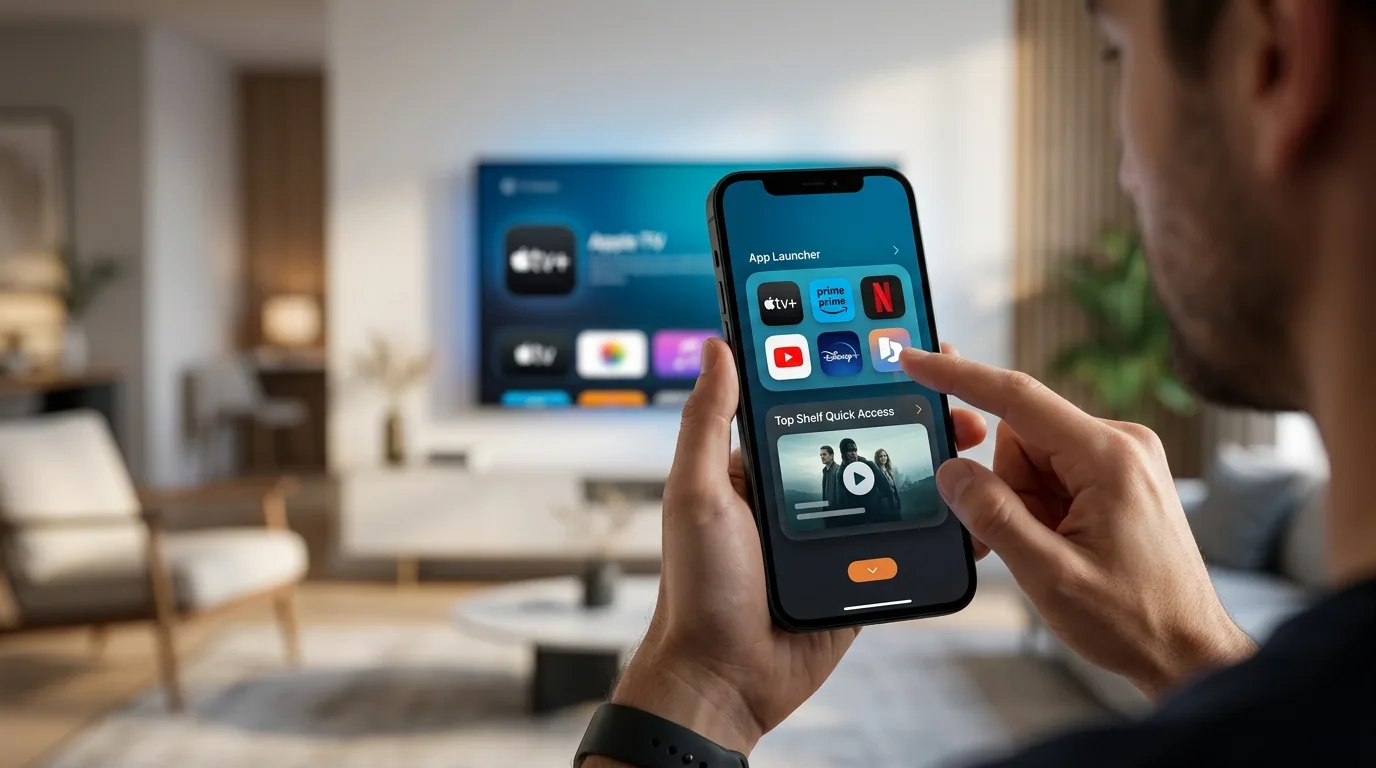
The first new feature introduced in the virtual remote control interface is a new button located in the top right corner. This button, featuring a four-square icon, opens a menu similar to the Apple TV Home screen. From this menu, users will be able to quickly select an app and launch it directly on the TV, eliminating the need to manually navigate through icons on the TV or use the search function.
Top Shelf: preview of contents
The second new feature now allows you to access the "Top Shelf" of the Apple TV simply by dragging down from the top of the virtual trackpad. This action brings up the content carousel in the foreground, showing TV series and films that the user has started watching or that are present in his list. This makes it easier to resume watching or discover new recommended content, further optimizing the use of the Apple TV remote.
Possible clues about the new Apple TV 4K
The improvements made to the Remote Control app could be a sign of the evolutions expected for the Apple TV hardware. According to previous discoveries in the macOS 26.7 code, the next generation Apple TV 4K could include an enhanced Siri Remote. While the specific details of these hardware updates remain unknown, the new mobile app features could offer a preview of the capabilities that will be integrated into the physical remote. Anticipation for the new Apple TV 4K is high, with a possible announcement expected later this month or in October.
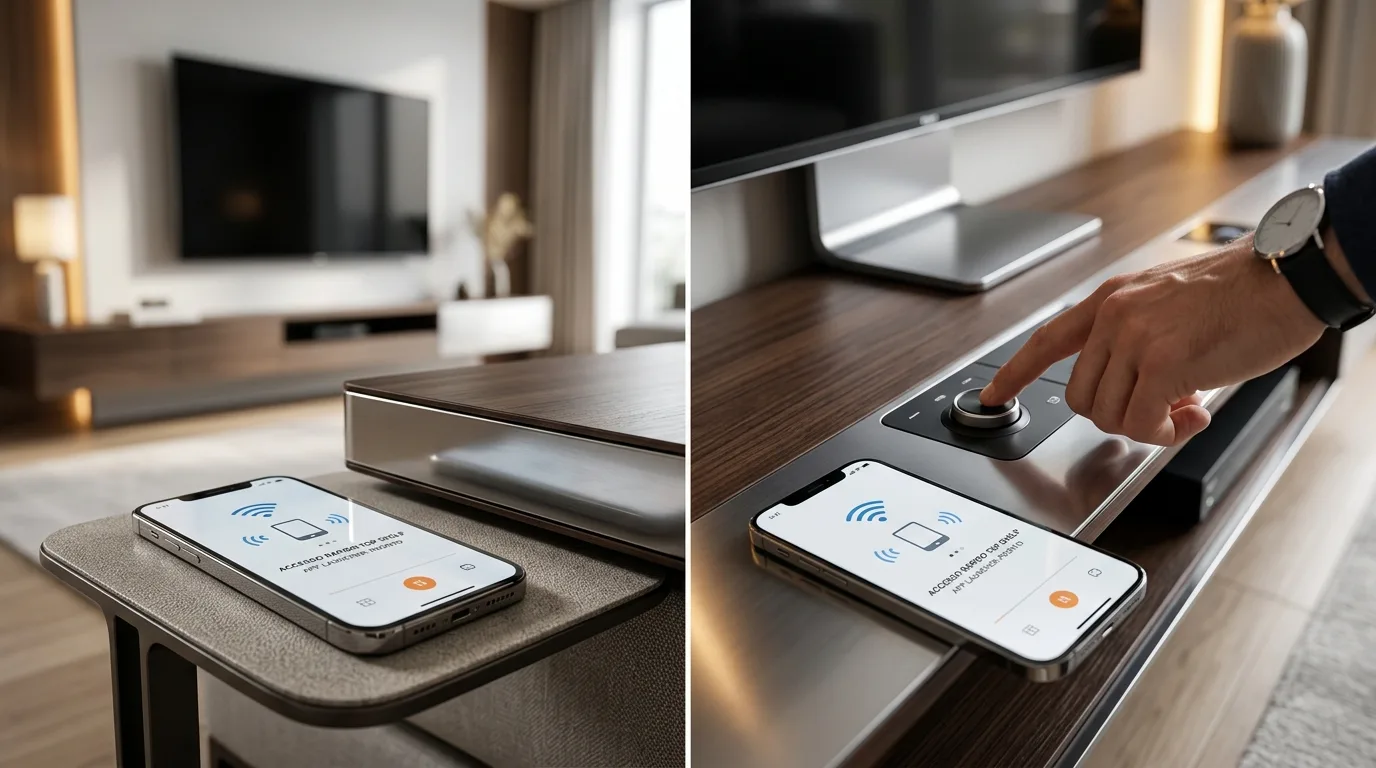
Furthermore, starting from iOS 27, the Virtual Remote app can be added again to the iPhone Home screen, no longer being limited to just the Control Center. For those using the iOS 27 beta, simply swipe down on the Home screen and search for "Remotes" to find quick access. These small but significant additions demonstrate Apple's commitment to perfecting the Apple TV ecosystem and offering an increasingly integrated and intuitive user experience.


Commenti
Ancora nessun commento. Sii il primo a partecipare.