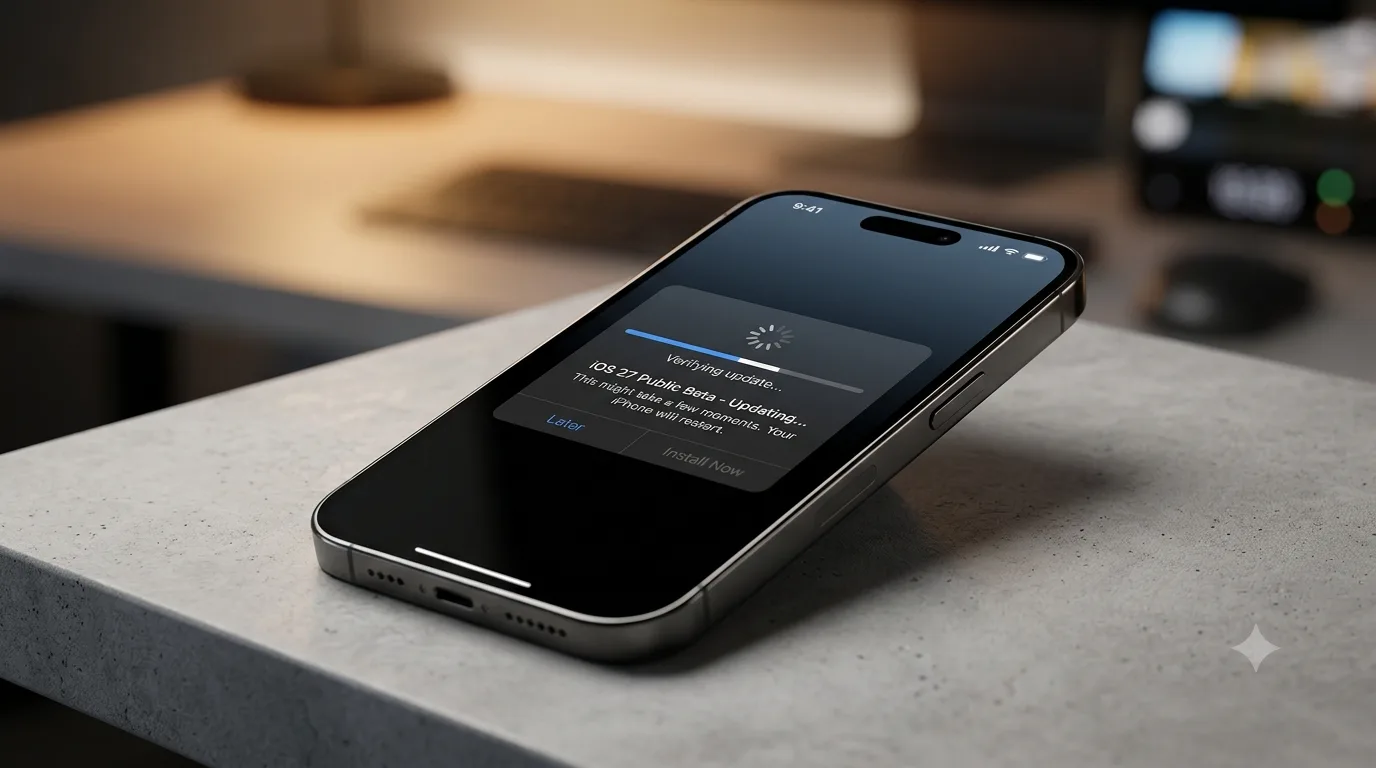
iOS 27 public beta - Complete Installation and Risks Guide
The iOS 27 public beta is now available. Find out how to install it on your iPhone, what's new and the potential risks before proceeding.
What is the iOS 27 Public Beta?
ThereiOS 27 public betarepresents the opportunity for iPhone users to preview future innovations in Apple's mobile operating system before the official release. This publicly available beta version allows you to test new features, user interface improvements, and performance optimizations. While it offers a glimpse into the future of iOS, it's crucial to remember that this is software that is in development, potentially unstable, and prone to bugs. Apple encourages users to participate in the beta program to gather valuable feedback and improve the end user experience.
When was the iOS 27 Public Beta released?
Apple has confirmed that the first public release of theiOS 27 public betait would arrive in July. Historically, the first public betas of iOS were released between July 11 and July 24 in older versions (iOS 16, 17, 18, 26). Although onedateexact has not been specified, the release is expected to take place shortly, following the availability of the more advanced developer betas. Impatient users can already install the developer beta, but the public beta offers a generally more stable experience.
How to Install iOS 27 Public Beta on your iPhone
Registering for the Apple Beta Program
In order to download and install theiOS 27 public beta, you need to sign up for Apple's beta program. This process is free and can be done by visiting the official website beta.apple.com. Once registered, you will have access to beta versions of Apple operating systems, including the one for iPhone.
Installation via Software Update
After signing up for the beta program, installation on your iPhone is relatively simple. Simply go to your device's Settings, select General > Software Update > Beta Updates. Here, you can choose the option for iOS 27 Public Beta and proceed with the download and installation, following the on-screen instructions. You may need to restart your iPhone to see the option.
Compatibility and Exclusive Features
iOS 27 is compatible with iPhone 11 and later models. However, some of the more advanced features, such as those related to Apple's artificial intelligence (Apple Intelligence) and the new version of Siri, will be limited to iPhone 15 Pro models and later. Access to the new Siri AI may require you to join a waitlist through your settings, with wait times that may vary.
Risks and Considerations Before Installation
Installing a beta version of an operating system always involves risks. Although the first public beta is usually more stable than the first developer beta, it is possible to encounter bugs, performance problems or incompatibilities with some applications. Essential features may not work properly, and CarPlay may also be affected. Apple strongly recommends taking a full backup of your iPhone before proceeding with the installation. For those who need a device that is always operational and reliable, using a secondary iPhone for beta testing is the ideal solution.
Warning: Backup Recommended!
Before installing any beta version of iOS, it is essential to take a complete backup of your iPhone. This will ensure that you can restore your data in case of problems or if you decide to go back to the stable version of the operating system.
Conclusions: Is it worth installing the iOS 27 Public Beta?
The decision to install theiOS 27 public betaIt depends on your needs and risk tolerance. If you're a tech enthusiast, eager to try out Apple's latest, and willing to deal with potential inconveniences, then the public beta could be an interesting experience. However, if the reliability of your iPhone is a top priority and you don't want to risk interruptions in daily use, it is advisable to wait for the official release of iOS 27, scheduled for this autumn.
Source:9to5mac


Commenti
Ancora nessun commento. Sii il primo a partecipare.