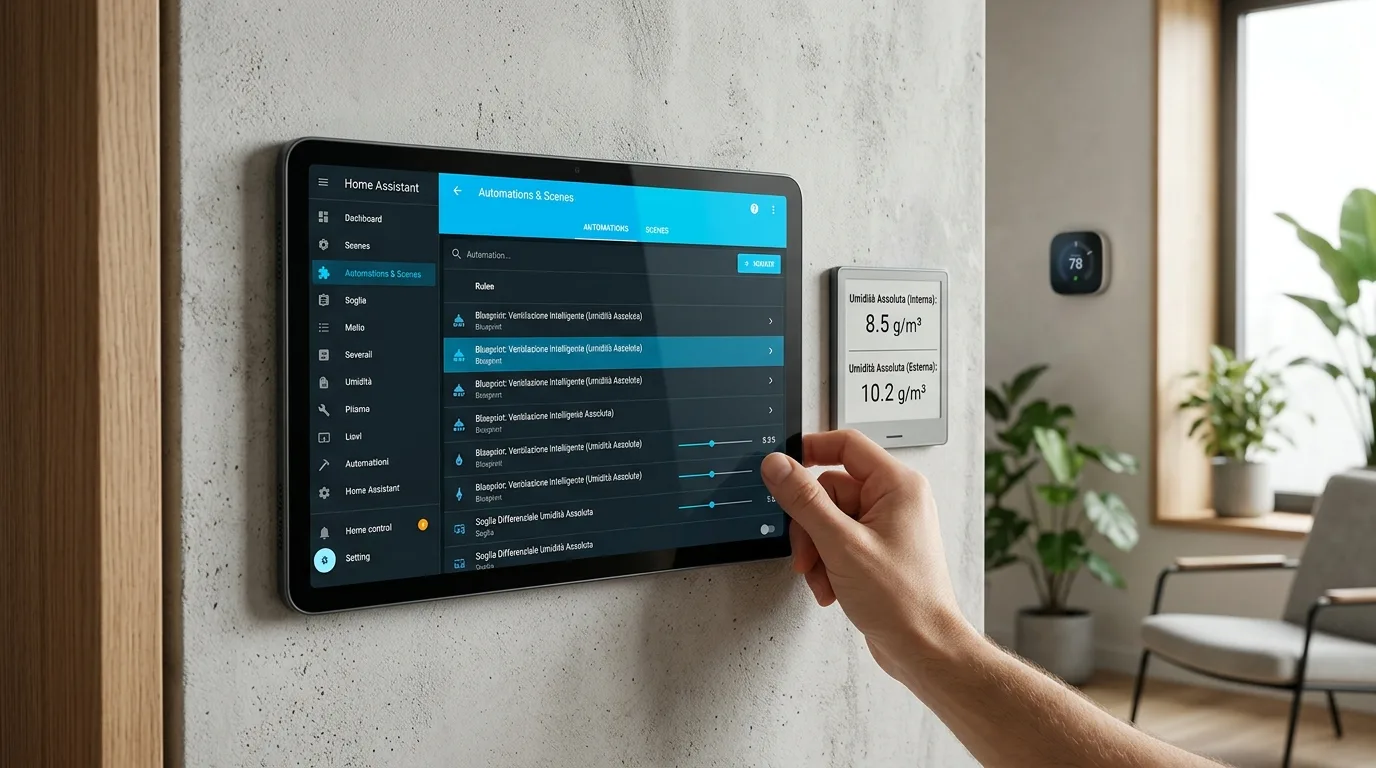
Home Assistant: The Blueprint for Smart Ventilation Based on Absolute Humidity
Discover the new blueprint for Home Assistant that optimizes room ventilation based on absolute humidity, improving comfort and quality
What is the "Open Window Recommendation" Blueprint?
In the world of home automation, the optimization of living comfort also involves intelligent management of air quality.homeAssistant, the open-source platform for the smart home, is enriched with a new and useful blueprint called "Open Window Recommendation". This solution automates the recommendation process for room ventilation, based on a precise scientific parameter: absolute humidity (AH). The objective is to suggest when it is appropriate to open the windows to improve the quality of the internal air, avoiding unnecessary heat loss and ensuring effective air exchange. The blueprint is designed to be flexible and adaptable to different home configurations, making ventilation management more efficient and less energy-consuming.
How Absolute Humidity-Based Ventilation Works
Home Assistant humidity blueprint - The logic behind this Home Assistant humidity blueprintIt's pretty simple but effective. The blueprint calculates the absolute humidity both inside and outside the home, using data from temperature and relative humidity sensors already present in the home automation system. Therefore, additional specific sensors for absolute humidity are not necessary. When the internal absolute humidity exceeds the external humidity by a configurable threshold (by default 3 g/m³), a recommendation for ventilation is activated. This indicates that indoor air is more humid than outdoor air, suggesting that opening windows can help reduce indoor humidity. Additionally, the blueprint can send a reminder to close windows if indoor humidity returns to normal levels while they are still open, further optimizing the process.
Update: Smart Ventilation with Home Assistant
The “Open Window Recommendation” blueprint for Home Assistant offers an innovative approach to managing air quality. Leveraging existing temperature and humidity sensors, it calculates indoor and outdoor absolute humidity to provide targeted ventilation recommendations. This system not only improves comfort, but also contributes to a more efficient use of energy, avoiding prolonged window openings when not strictly necessary.
Installation and Configuration of the Blueprint
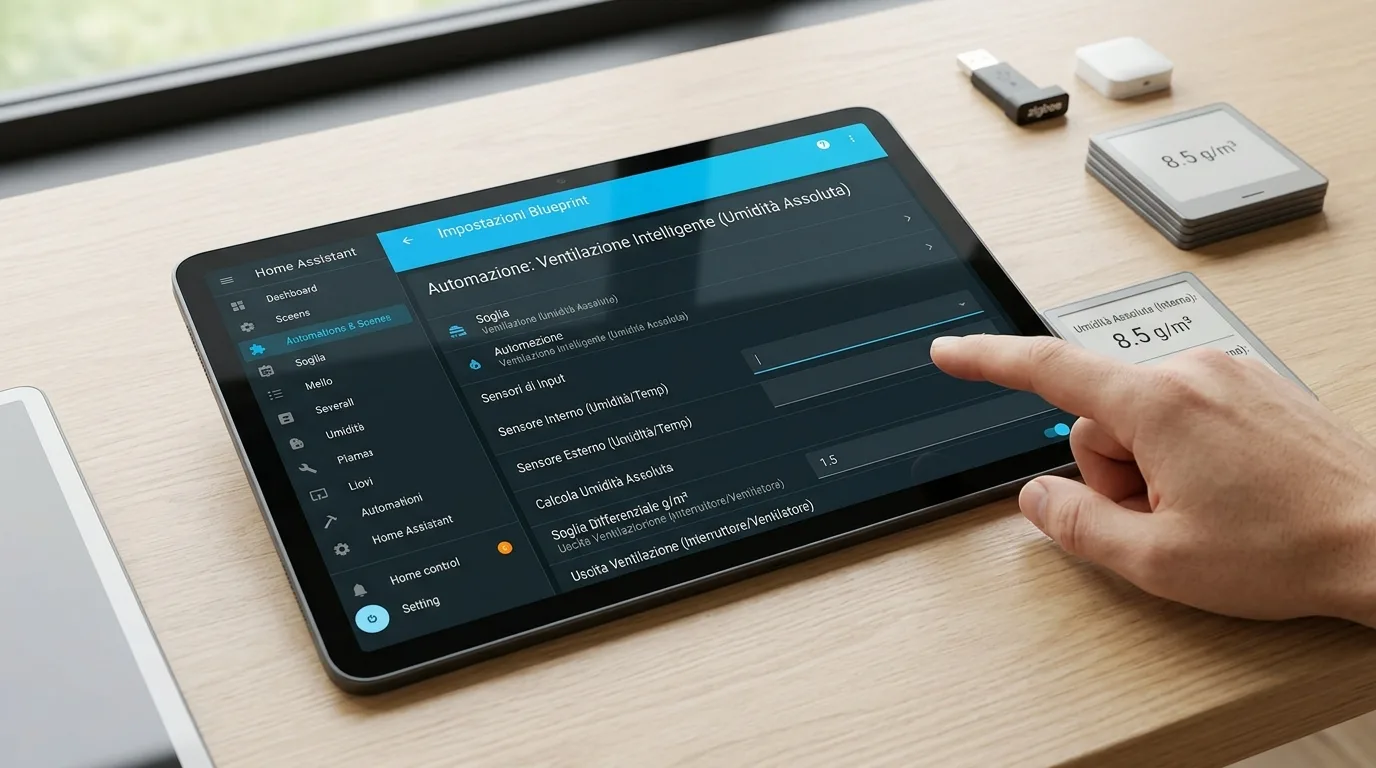
Integrating this blueprint into Home Assistant is a guided process. Once the blueprint has been imported, you will need to configure some fundamental parameters to adapt it to your home environment.
Necessary Inputs
For correct operation, the blueprint requires the association of specific entities already present in your Home Assistant system:
- Internal temperature sensor
- Internal relative humidity sensor
- External temperature sensor
- External relative humidity sensor
- Binary sensor that indicates the opening status of the window (open/closed)
- Push notification service (e.g. to send messages to your smartphone)
Configurable parameters
In addition to the mandatory inputs, you can further customize the behavior of the blueprint:
- Optional TTS Service:To receive voice notifications (e.g. via Alexa).
- Room Name:For personalized messages (e.g. "Bathroom should be ventilated").
- AH difference threshold (g/m³):The difference value between internal and external humidity that activates the recommendation.
- Ventilation message:The text of the message to send when opening windows is recommended.
- Closing message:The text of the message to send when windows can be closed.
The blueprint performs periodic checks every 5 minutes and also supports presence-based filtering, notifying you only if someone is home.
Useful Resources for Home Assistant
To learn more about the potential of Home Assistant and discover other useful automations, you can consult the official documentation and the community. The Home Assistant ecosystem is continually expanding, with new integrations and blueprints being released regularly to improve smart home management.
Advantages of Intelligent Ventilation
Adopting a solution like thisHome Assistant humidity blueprintbrings with it numerous benefits. First of all, it helps maintain a healthier internal environment, reducing the concentration of pollutants and excess humidity, which can encourage the formation of mold. Secondly, it optimizes energy consumption: by opening the windows only when actually necessary for air exchange and when the external temperature is favourable, excessive heat loss is avoided, especially during the colder or warmer months. Finally, automation reduces the need to constantly monitor humidity levels, delegating this activity to the home automation system and improving the general comfort of the home.
Complete YAML code
Below is the original configuration, without modifications.
blueprints:
  name: Dynamic Ventilation Recommendation (based on Absolute Humidity)
  description: >
    Calculates absolute humidity indoors and outdoors based on temperature
    and relative humidity, and recommends ventilation when the difference
    exceeds a defined threshold.
  domain: automation
  inputs:
    temp_inside:
      name: Indoor temperature sensor
      selector:
        entities:
          domain: sensor
    rh_inside:
      name: Indoor humidity sensor
      selector:
        entities:
          domain: sensor
    temp_outside:
      name: Outdoor temperature sensor
      selector:
        entities:
          domain: sensor
    rh_outside:
      name: Outdoor humidity sensor
      selector:
        entities:
          domain: sensor
    window_sensor:
      name: Window open sensor
      selector:
        entities:
          domain: binary_sensor
    notify_push:
      name: Push notification service (e.g. notify.notify)
      selector:
        text:
    notify_tts:
      name: (Optional) TTS service for Alexa (e.g. notify.alexa_media_kitchen)
      default: ""
      selector:
        text:
    room_name:
      name: Room name (used in messages)
      selector:
        text:
    threshold:
      name: Threshold for AH difference (g/m³)
      default: 3
      selector:
        number:
          min: 0.5
          max: 10
          steps: 0.1
          unit_of_measurement: "g/m³"
    message_ventilate:
      name: Message when ventilation is recommended
      default: "{{ room_name }} should be ventilated. (AH indoor {{ af_in | round(1) }} > outdoor {{ af_out | round(1) }} g/m³)"
      selector:
        text:
    message_close:
      name: Message when window can be closed
      default: "Humidity in {{ room_name }} is back to normal (AH indoor {{ af_in | round(1) }} ≤ outdoor + threshold {{ af_out | round(1) + threshold | round(1) }} g/m³). You can close the window."
      selector:
        text:

triggers:
  - platform: time_pattern
    minutes: "/5"

condition:
  - condition: numeric_state
    entity_id: zone.home
    above: 0.5

variables:
  t_in: "{{ states(temp_inside) | float }}"
  rh_in: "{{ states(rh_inside) | float }}"
  t_out: "{{ states(temp_outside) | float }}"
  rh_out: "{{ states(rh_outside) | float }}"

  af_in: >
    {{ (6.112 * exp((17.67 * t_in)/(t_in + 243.5)) * rh_in * 2.1674) / (273.15 + t_in) }}
  af_out: >
    {{ (6.112 * exp((17.67 * t_out)/(t_out + 243.5)) * rh_out * 2.1674) / (273.15 + t_out) }}
  delta_af: "{{ af_in - af_out }}"
  tag_ventilate: "{{ 'ventilate_' ~ room_name | lower | replace(' ', '_') }}"
  tag_close: "{{ 'ventilate_' ~ room_name | lower | replace(' ', '_') }}"

action:
  - choose:
      - conditions:
          - condition: template
            value_template: "{{ delta_af | float > threshold | float }}"
        sequence:
          - service: "{{ notify_push }}"
            date:
              message: "{{ message_ventilate }}"
              date:
                tag: "{{ tag_ventilate }}"
          - choose:
              - conditions:
                  - condition: template
                    value_template: "{{ notify_tts != '' }}"
                sequence:
                  - service: "{{ notify_tts }}"
                    date:
                      message: "{{ message_ventilate }}"
                      date:
                        type: announce

      - conditions:
          - condition: template
            value_template: "{{ delta_af | float <= threshold | float }}"
          - condition: state
            entity_id: !input window_sensor
            state: "on"
        sequence:
          - service: "{{ notify_push }}"
            date:
              message: "{{ message_close }}"
              date:
                tag: "{{ tag_close }}"
          - choose:
              - conditions:
                  - condition: template
                    value_template: "{{ notify_tts != '' }}"
                sequence:
                  - service: "{{ notify_tts }}"
                    date:
                      message: "{{ message_close }}"
                      date:
                        type: announce
fashions: single


Commenti
Ancora nessun commento. Sii il primo a partecipare.