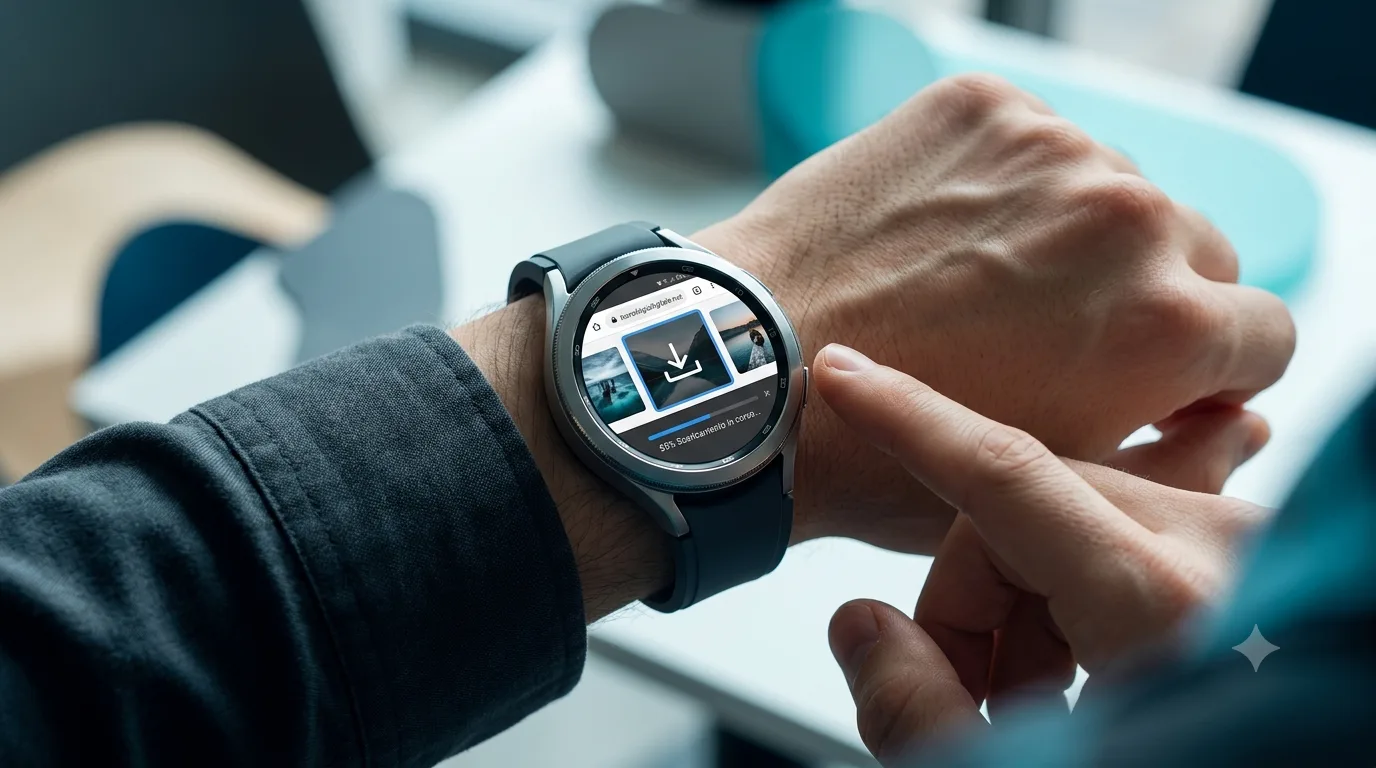
Samsung Galaxy Watch: Downloading Images from the Browser Becomes Possible
The Samsung Galaxy Watch introduces a new feature that allows you to download images directly from the built-in browser. Find out how it works
A New Feature for igalaxyWatch
Galaxy Watch image browser is at the center of the news: The Samsung Galaxy Watch, devices that now represent a point of reference in the smartwatch market, introduce a feature awaited by many users: the ability to download images directly from the integrated browser. This innovation, reported by HDBlog, significantly expands the ability to interact with the web directly from the wrist, making the user experience even more complete and autonomous. Although smartwatches are often seen as extensions of smartphones, this ability to directly manage multimedia content marks a step towards greater independence of wearable devices. The feature has been noticed on some models and appears to be linked to the web browser update present on devices running Wear OS. The ability to save images, albeit with some limitations, opens up interesting scenarios for archiving and quickly consulting visual content without necessarily having to use the associated smartphone. Management of this new option is simple and intuitive, designed to integrate seamlessly into the already familiar user interface of the Galaxy Watch. This evolution demonstrates Samsung's commitment to constantly improving its wearable ecosystem, responding to the needs of an increasingly demanding audience.
How to Download Images from Browser to Galaxy Watch
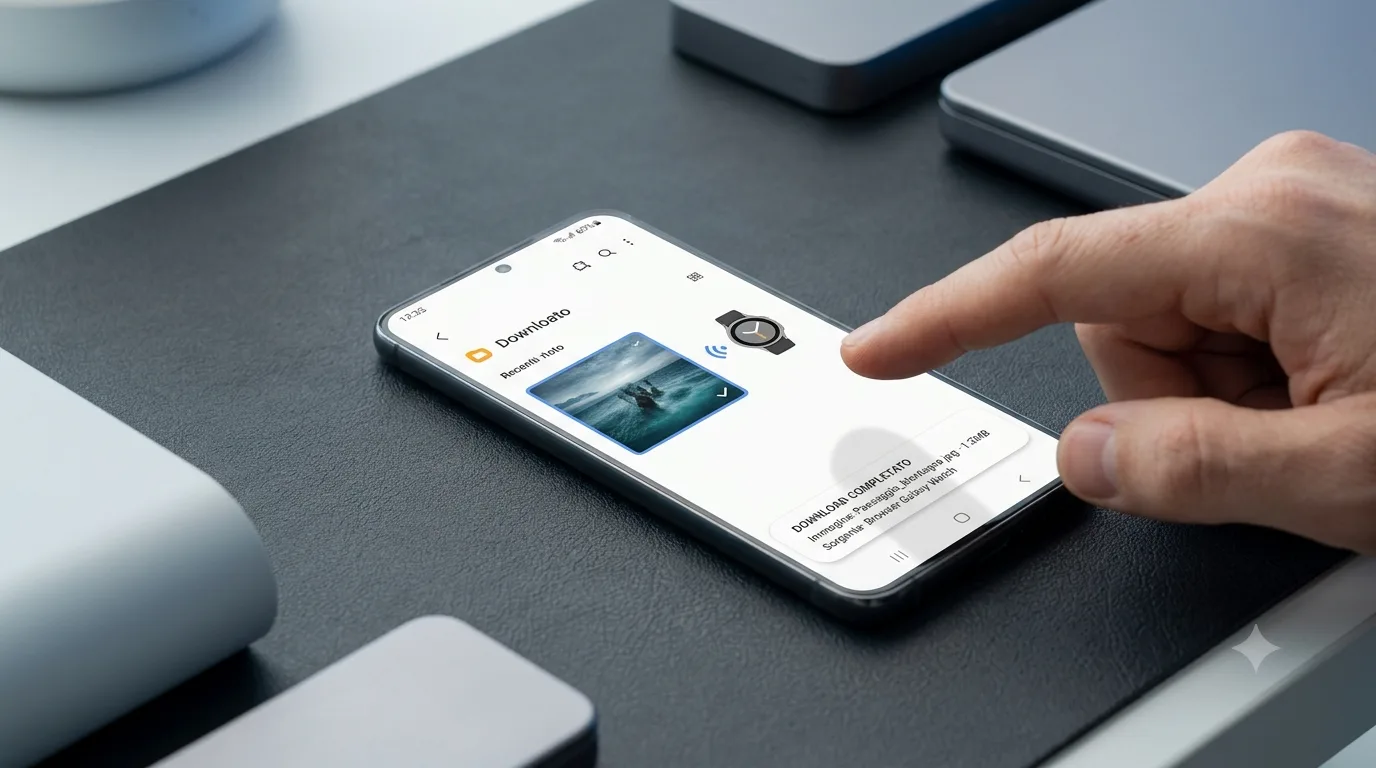
The process for downloading an image from your browser to your Samsung Galaxy Watch is surprisingly simple. Once the browser application has been opened on the smartwatch and the desired image has been found, the user will simply have to press and hold on the image itself. Following this action, a contextual menu will appear offering the option to save the image directly to the device's memory. This operation makes access to visual content immediate without complex intermediate steps. Ease of use is a key element, allowing even less experienced users to take full advantage of this new capability. The saved image can then be consulted via the gallery app or other compatible applications on the smartwatch.
Limitations and Considerations
Despite the enthusiasm for this new feature, it is important to highlight some limitations. As reported by the source, the ability to download images is currently limited to file size: images must not exceed 10 MB. This limit is understandable considering the hardware and storage resources typical of a smartwatch. Additionally, the feature may not be universally available across all Galaxy Watch models or may require specific software updates to activate. It is therefore advisable to check availability on your device and ensure that your browser is updated to the latest version available. Handling large files would likely be too taxing on current smartwatch hardware, making the 10MB limit a reasonable compromise to still offer useful functionality.
Implications for Smartwatch Use
Galaxy Watch image browser - The introduction of the ability to download images from the browser on the Samsung Galaxy Watch marks a further step towards the complete autonomy of wearable devices. Although file sizes are limited, this capability opens up new perspectives for interacting with online content. It could be useful for quickly saving graphs, diagrams, or informative images while browsing, without having to take your smartphone out of your pocket. This makes the Galaxy Watch an even more versatile tool for productivity and quick access to information. The continuing evolution of smartwatches, driven by companies like Samsung, suggests that in the future we could see even more advanced features, bringing these devices ever closer to true wrist computers. The ability to manage multimedia content more directly is a clear sign of this trend, improving the user experience and broadening use scenarios.
Update:The browser image download feature on Samsung Galaxy Watches has been confirmed and appears to be rolling out via software updates. We recommend checking availability on your model.
Samsung Galaxy Watch Series
Samsung Galaxy Watches offer a wide range of features for health tracking, fitness and connectivity. With operating systems based on Wear OS, these smartwatches integrate seamlessly into the Samsung ecosystem and offer a rich and customizable user experience.


Commenti
Ancora nessun commento. Sii il primo a partecipare.