
Fluvy: the new theme and card library for Home Assistant
Discover Fluvy, the new open source theme and card library for Home Assistant. Personalize your smart home with unique designs and advanced features.
What is Fluvy and what are its characteristics?
FluvyhomeAssistant is at the center of the news: In the home automation panorama, Home Assistant confirms itself as an extremely flexible and customizable platform. Contributing to this versatility is the ecosystem of themes and cards developed by the community. Among the latest innovations stands out Fluvy, a premium theme and card library designed to offer a consistent, high-quality user experience. Fluvy stands out for its clean design, available in both light and dark modes, with fifteen predefined color palettes or the possibility of creating customized ones. The library includes thirty-nine cards, activity and history pages, an intuitive settings panel, and an automatic dashboard, all based on the same token designs for visual consistency. Fluvy is an open source project (GPL-3.0) and installs via HACS (Home Assistant Community Store).
Fluvy: Theme and Card for Home Assistant
Description:Fluvy is a theme and card library for Home Assistant that offers a consistent and customizable design, with light and dark modes, numerous color palettes, 39 cards, activity and history pages, a settings panel and an automatic dashboard.
Main features:
- Light and dark theme with 15 predefined or customizable palettes.
- 39 cards with editor and live preview.
- Fluvy-style Activity and History pages.
- Settings panel to customize appearance and preferences.
- Automatic dashboard that reads areas, devices and entities.
- Installation via HACS.
- Compatible with Home Assistant 2026.9 or later.
License:LPG-3.0
Repositories: GitHub
Each card in Fluvy has a built-in editor and a live preview within the card selector. Particular attention has been paid to the management of unavailable, unknown or missing states, which are displayed appropriately. Controls like sliders and dials offer precision, with relative drag functionality and a small scale for minute changes. The Activity and History pages have been redesigned to integrate seamlessly with the Fluvy idiom, presenting the logbook as a detailed timeline and history as interactive graphs with a slider for navigation, grouped by room or device. These pages temporarily replace Home Assistant's native ones, with the ability to easily restore the original ones via a toggle.
Installing Fluvy on Home Assistant
Fluvy Home Assistant - To install Fluvy, you must have a Home Assistant version equal to or higher than 2026.9 and have HACS already configured. The installation process involves adding the Fluvy repository to HACS as a custom integration. Once the repository is added (https://github.com/acosta290/fluvy), search for Fluvy in the list of integrations, download and restart Home Assistant. Next, we proceed to add the integration via the Devices and Services menu, with no additional configuration needed, as the integration itself will install the settings panel in the sidebar and load the theme on each page. To activate the Fluvy theme, simply select it from your user profile or from the "Scope" tab of the dedicated panel.
Personalization and automatic dashboard
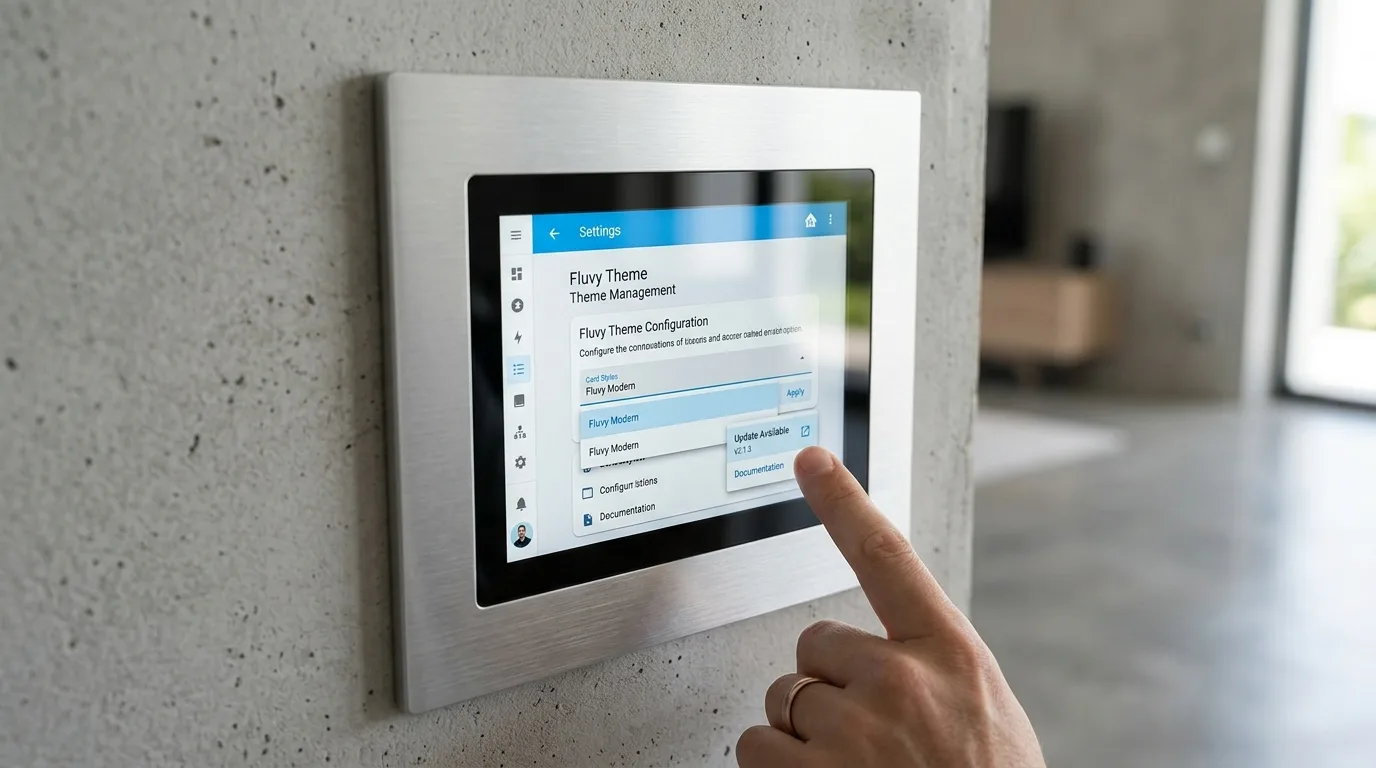
Fluvy's settings panel is the heart of customization. Here users can choose from fifteen color palettes, both pastel and more vibrant, or define a custom accent color, with automatic contrast controls. There are three shapes for the graphic elements and the possibility to define where to apply the theme. One of the coolest features is the automatic dashboard. By activating it with a simple configuration line (type: custom:fluvy-home), Fluvy analyzes the areas, devices and entities configured in your Home Assistant installation to automatically generate dedicated views such as Home, Lights, Climate, Energy, Security, Media, Agenda and Sensors. Lights are grouped by room, appliances are displayed with their readings, the active thermostat is placed front and center, and energy flow is identified based on keywords. This dashboard is rebuilt every time it is opened, ensuring that new devices appear immediately without manual intervention.
Fluvy's future prospects
The Fluvy development team has already outlined an ambitious roadmap for the future. Among the upcoming new features are support for the German, Dutch, French, Italian and Portuguese languages. We will also work on introducing a specific color for each card and series of graphics, a card dedicated to rooms with the possibility of including a photo, a card for maps, shareable palettes and a specific mode for wall tablets. Fluvy was designed without its own telemetry or network calls, relying solely on the Lit library. Feedback, bug reports, and ideas are welcomed both on the GitHub platform and directly on the Home Assistant forum.


Commenti
Ancora nessun commento. Sii il primo a partecipare.