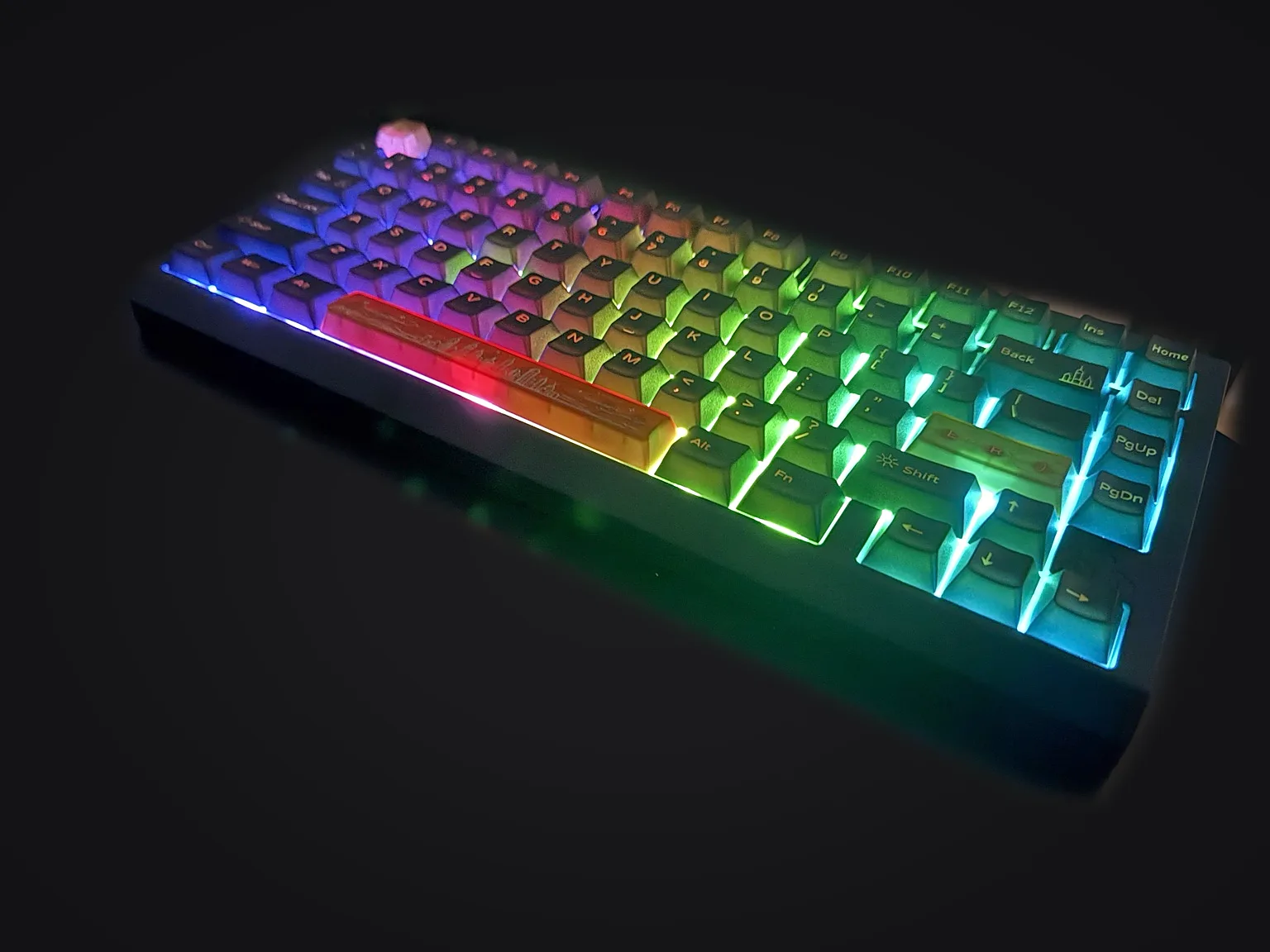
EPOMAKER Galaxy75, review: a mechanical keyboard that conquers typing
EPOMAKER Galaxy75 put to the test: build quality, Creamy Jade switches, typing, RGB, ANSI layout, wireless connections and customization.
EPOMAKER Galaxy75 review - The Galaxy75 won me over while I was working on it. After about ten minutes I was already writing quickly and I found a sound in every bar that took me back to the keyboards of the past. On Windows I tried it via USB, Bluetooth and 2.4 GHz. The most concrete adaptation concerns the symbols printed on the keys, because the keyboard has American legends and my Windows layout is Italian.
EPOMAKER provided the test sample free of charge to TecnologiaDigitale.net for an independent editorial evaluation.
Technical data sheet
Data declared in theEPOMAKER official sheet.
EPOMAKER Galaxy75
| Characteristic | Specification declared |
|---|---|
| Format and layout | 75%, ANSI US, 81 keys |
| Scocca | Powder coated aluminum alloy |
| Structure | Gasket Mount, polycarbonate plate with partial horizontal cuts |
| Acoustic treatment | Five layers: two PORON inserts, IXPE, PET and sound-absorbing foam |
| Size and weight | 322 × 144 × 42.5mm; 1.2kg |
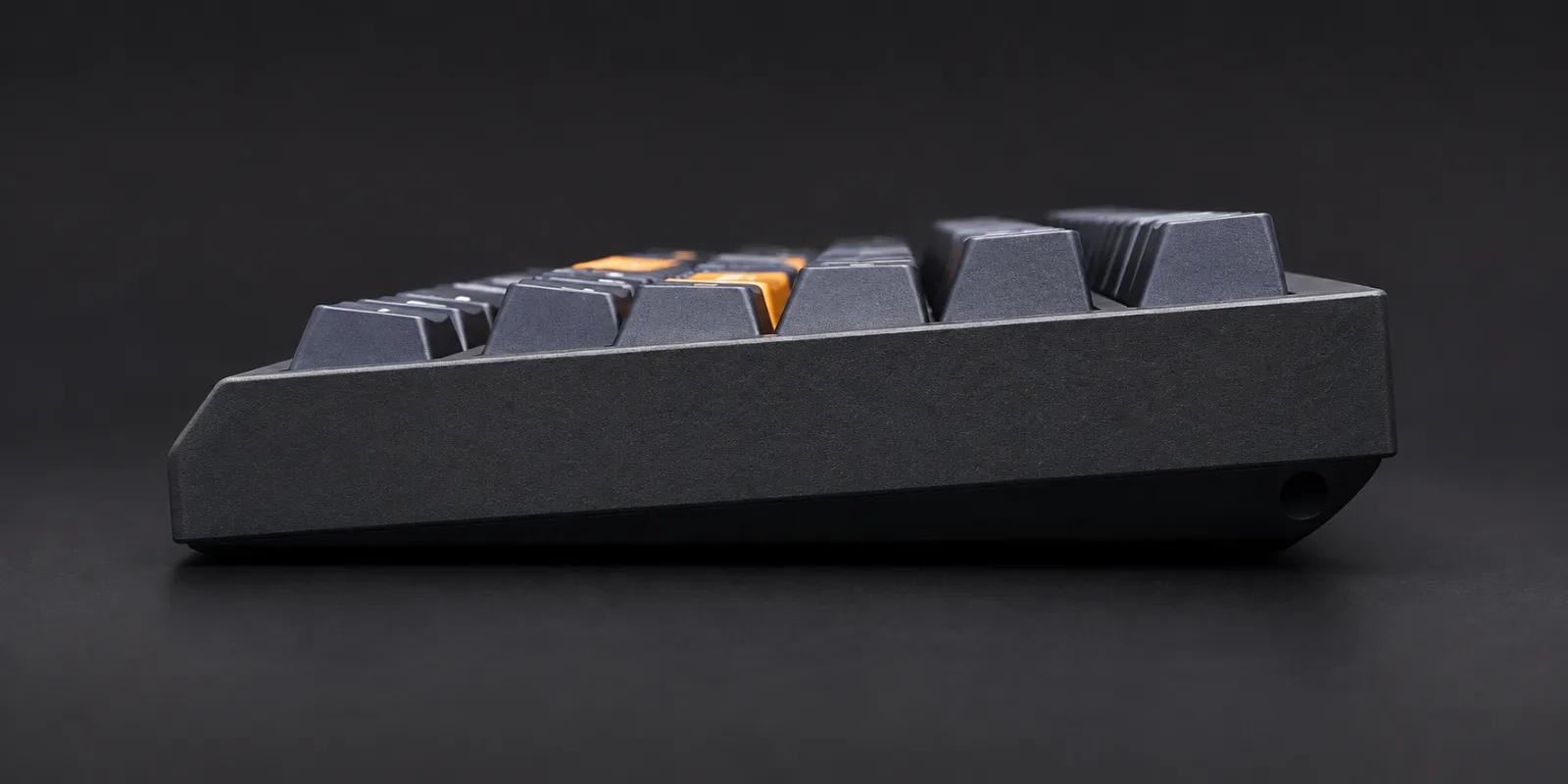
| Front edge and slope | 20.5mm; about 7° |
| Keycap | Cherry Profile; PBT and PC+ABS; sublimation, double stamping and UV printing |
| Switches | Creamy Jade linear, 5-pin, pre-lubricated |
| Strength and running | Actuation 45 ± 5 gf, bottom out 50 ± 5 gf; pre-travel 2.0 ± 0.4 mm, total stroke 3.6 ± 0.4 mm |
| Hot Swap | 3 or 5 pin mechanical switches |
| Connections | USB-C, 2.4 GHz receiver, Bluetooth 5.0 |
| Drums | 8,000 mAh |
| Lighting | RGB per button, LEDs oriented towards the front |
| Configuration | EPOMAKER Hub from browser and JSON files for VIA |
unboxingand equipment
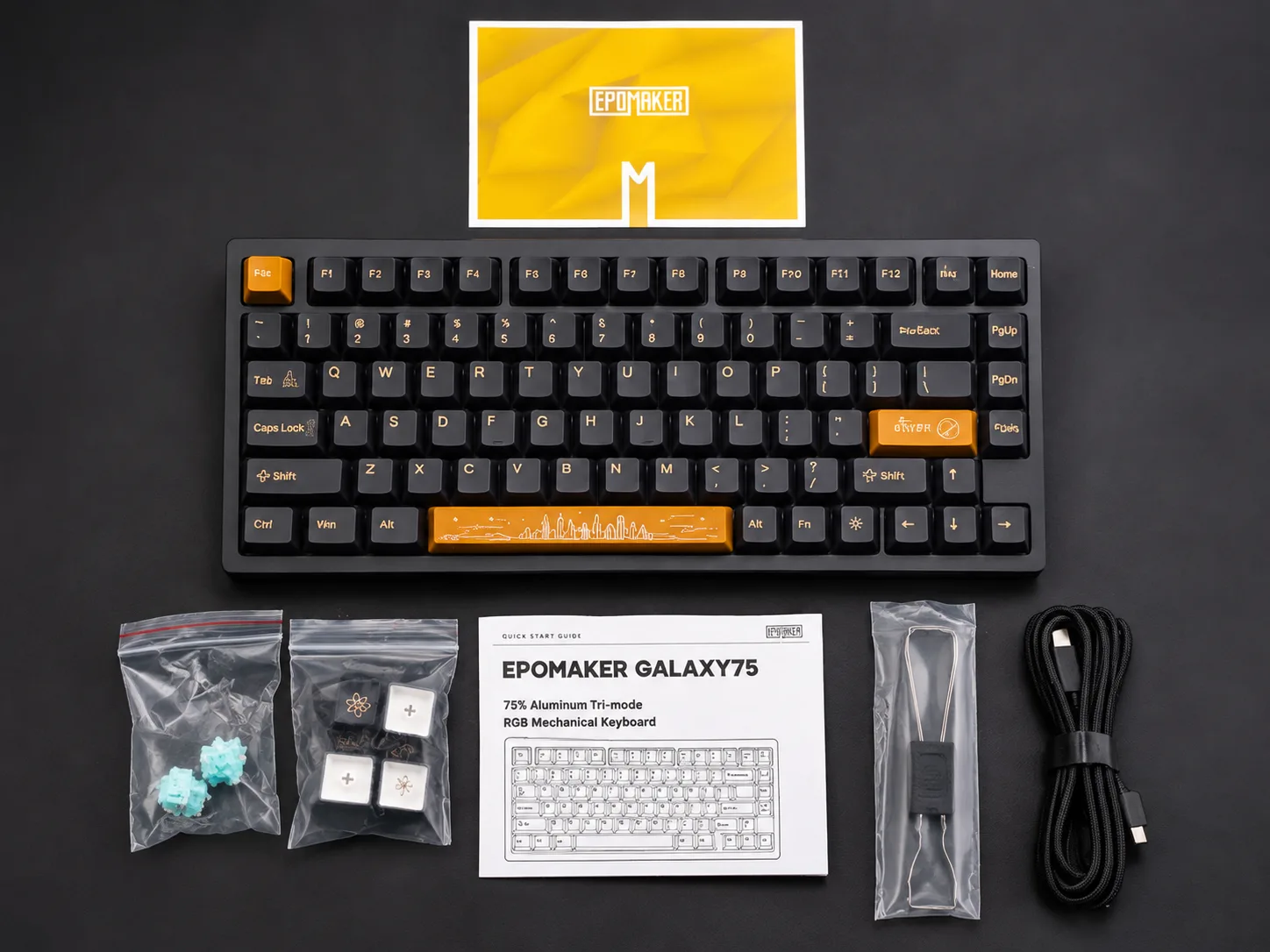
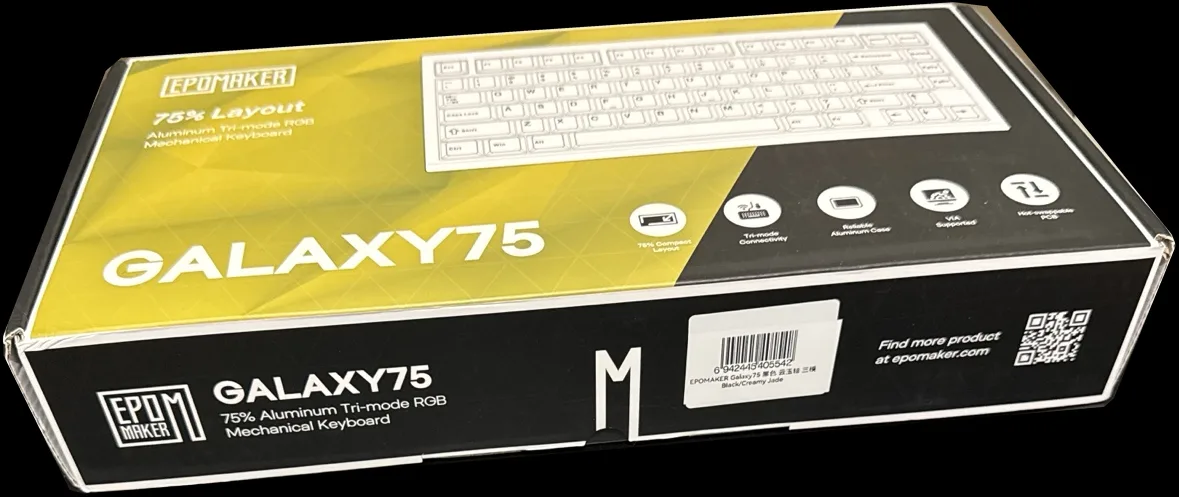
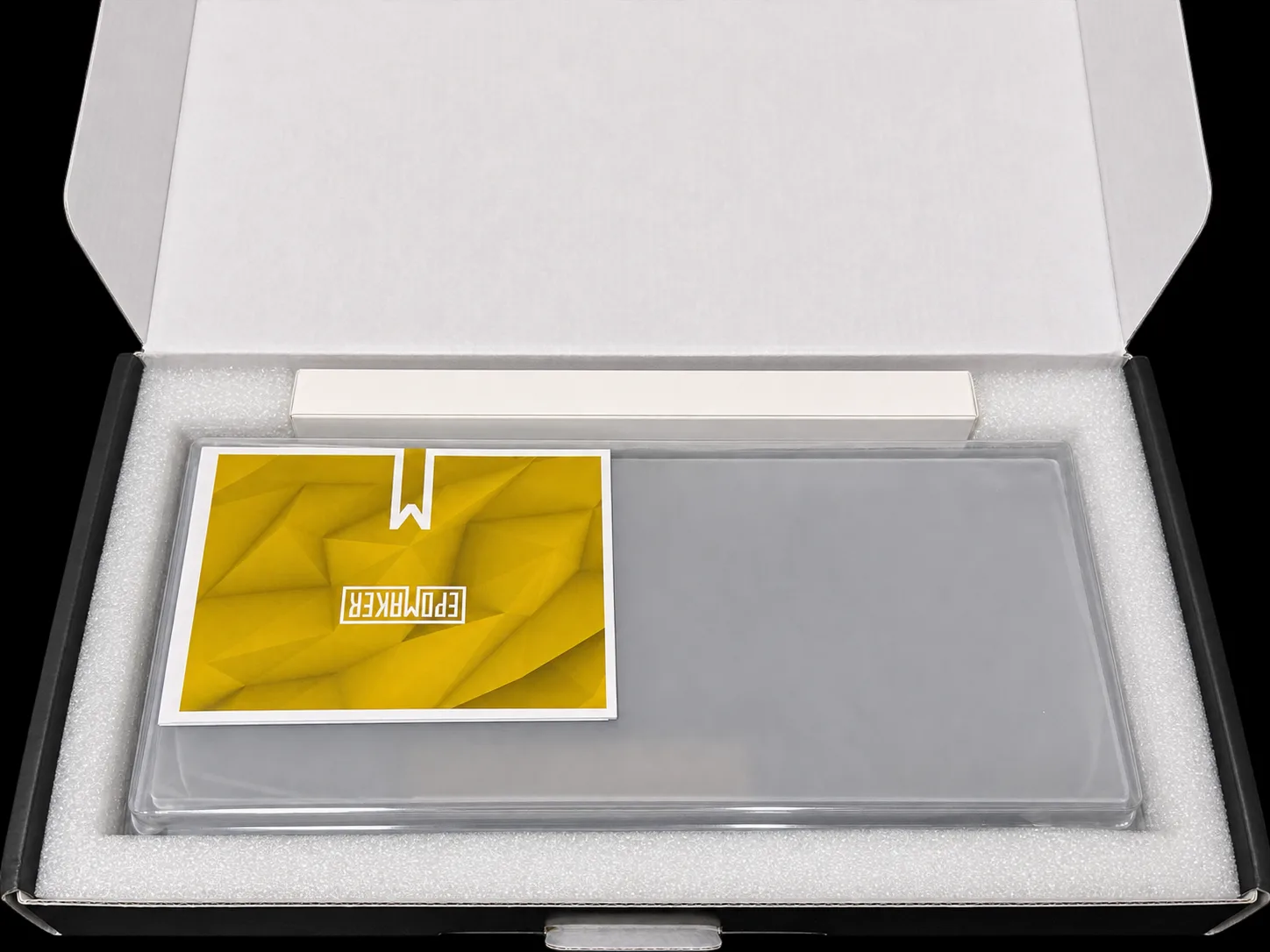
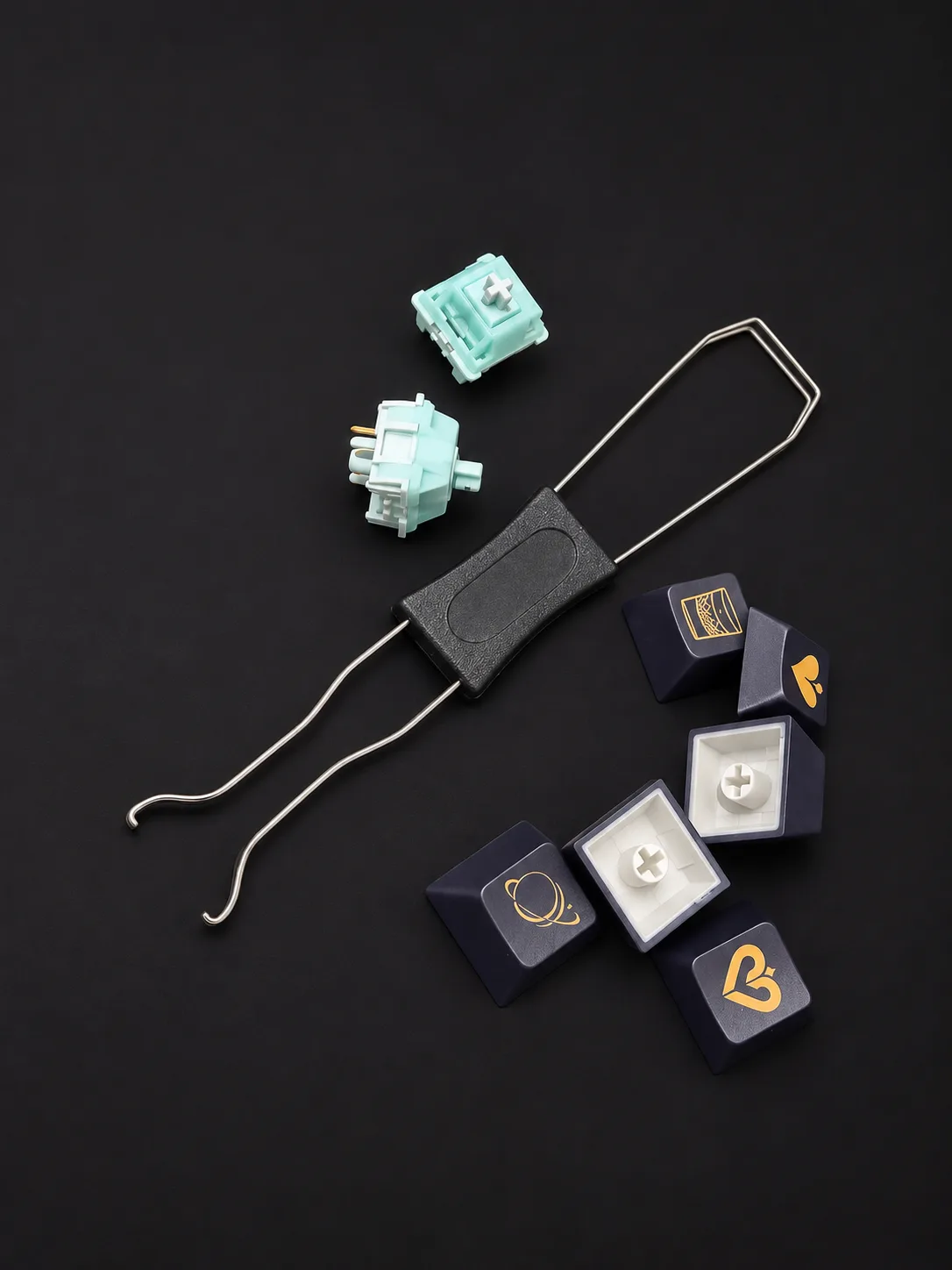
The package contains the keyboard, USB cable, quick guide and paper documentation, extractor and spare parts for switches and keycaps. The guide includes a section in Italian. The 2.4GHz receiver sits in a holder attached to the cable – that's the first place to look if you open the box and the dongle appears to be missing.
Design, stability and comfort
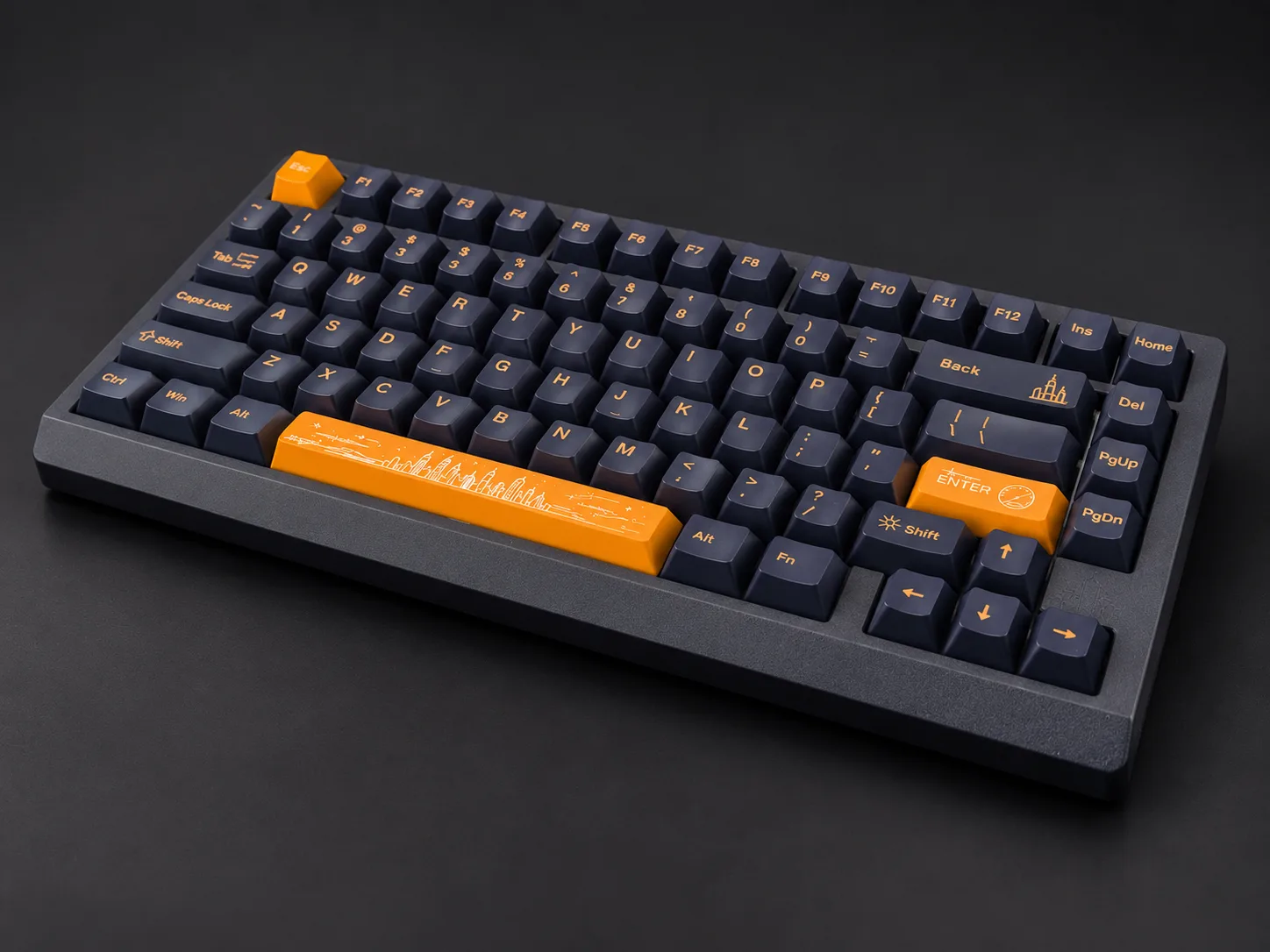
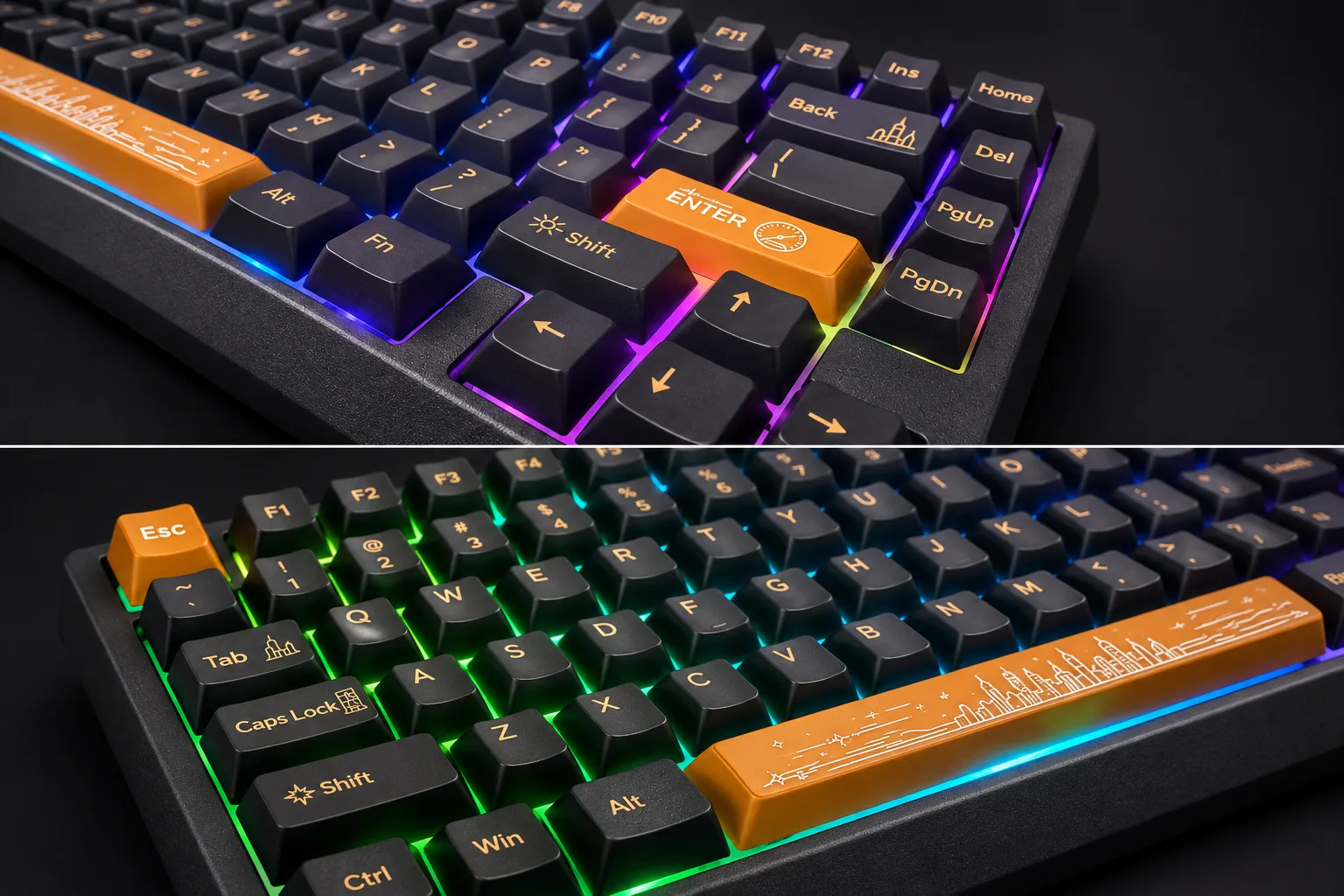
The dark finish highlights Esc, Enter and the orange space bar, decorated with a skyline. The build quality made an excellent impression on me due to the feeling of solidity during use. Once placed on the desk, the Galaxy75 remained immobile as I wrote at my usual pace. The front edge was also comfortable without the palm rest in the first session.
EPOMAKER declares a structureGasket Mountwith polycarbonate plate. In this type of assembly, the elastic inserts separate the typing unit from the body. On the Galaxy75 the manufacturer also indicates partial horizontal cuts in the plate. These are design choices that concern the bending of the group and the transmission of vibrations. The use test did not isolate the contribution of these solutions.
ANSI 75% layout: what changes when writing in Italian
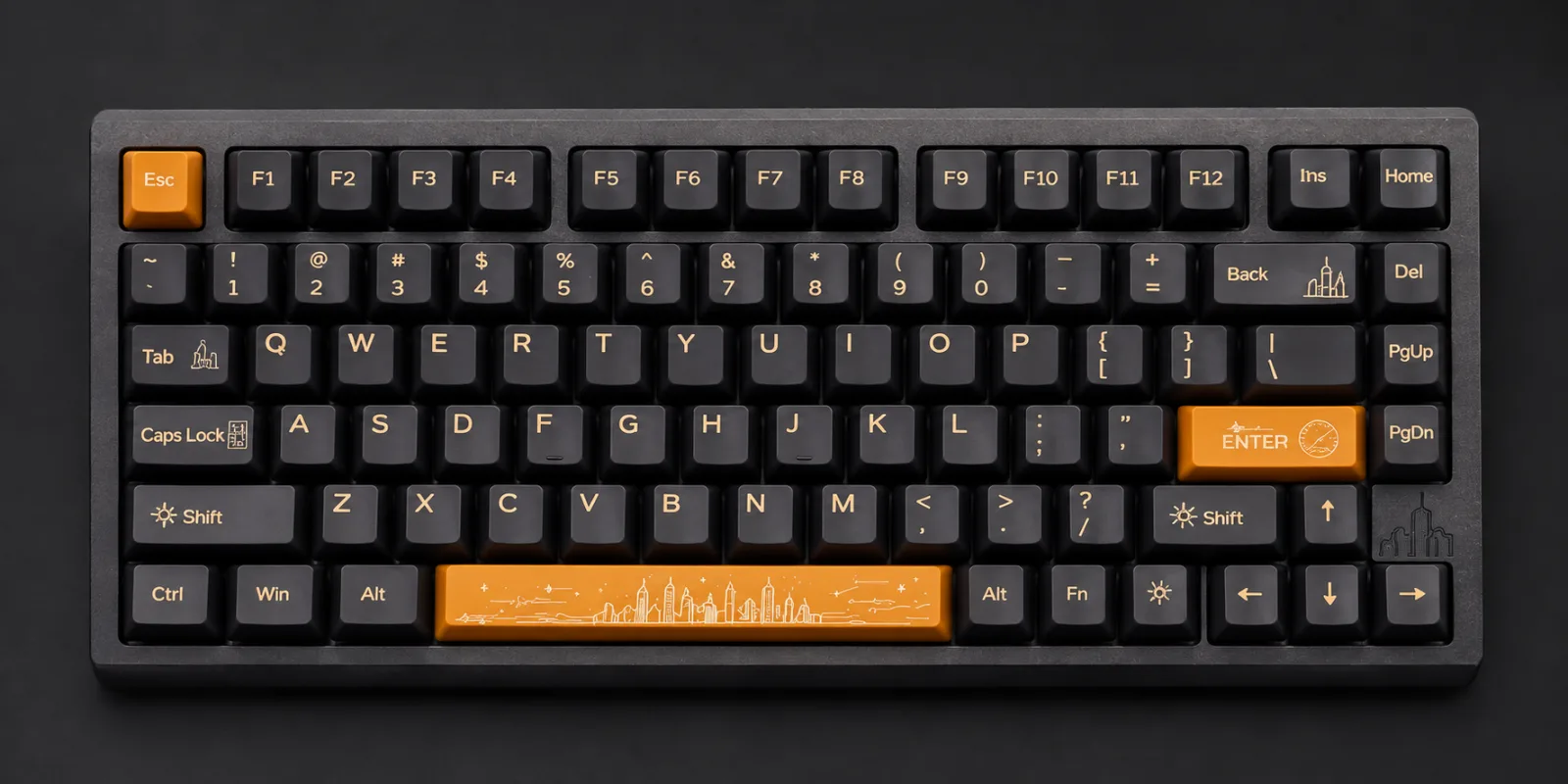
The format retains the row of function keys and arrows, giving up the numeric keypad. With the Italian layout of Windows, the key immediately to the right of the P producesAnd, even if square and curly brackets are printed on the keycap. Likewise,Shift + 2produces double quotation marks, while the at sign is printed on the key. Those who already know the Italian layout can continue to use it, but looking for the symbols in the legends can be misleading.
Writing without looking we sometimes pressed a navigation key instead of Enter: the Page column is further to the right of the key, where the hand was looking for it out of habit. Errors became less frequent already during the first session.
Typing, switches and sound
The most successful part of the Galaxy75, for me, is what happens while I write. I like the feel of the pressure and the sound helps me know by ear when I've pressed a key, even when I'm not looking at the keyboard. It's a sound that takes me back in time. The volume was not measured.
To contain resonances EPOMAKER describes five layers. A first insert inPORONit is designed to attenuate metallic rattling. THE'IXPEintervenes around the switches, while thePETaims to make individual lines more defined. A second insert inPORON, in correspondence with the switch locations, serves to contain lateral movements and irregular resonances. Therefoam on the bottomis intended to reduce the hollow sound of the body. These are the functions attributed to materials by the manufacturer.
Keycaps are caps that you press with your fingers. EPOMAKER indicates a mixed set inPBT and PC+ABS, with Cherry profile and three techniques for creating legends and decorations: sublimation, double molding and UV printing. The datasheet does not assign each material to each individual key. In testing, the space bar seemed uniform in the center and at both ends.
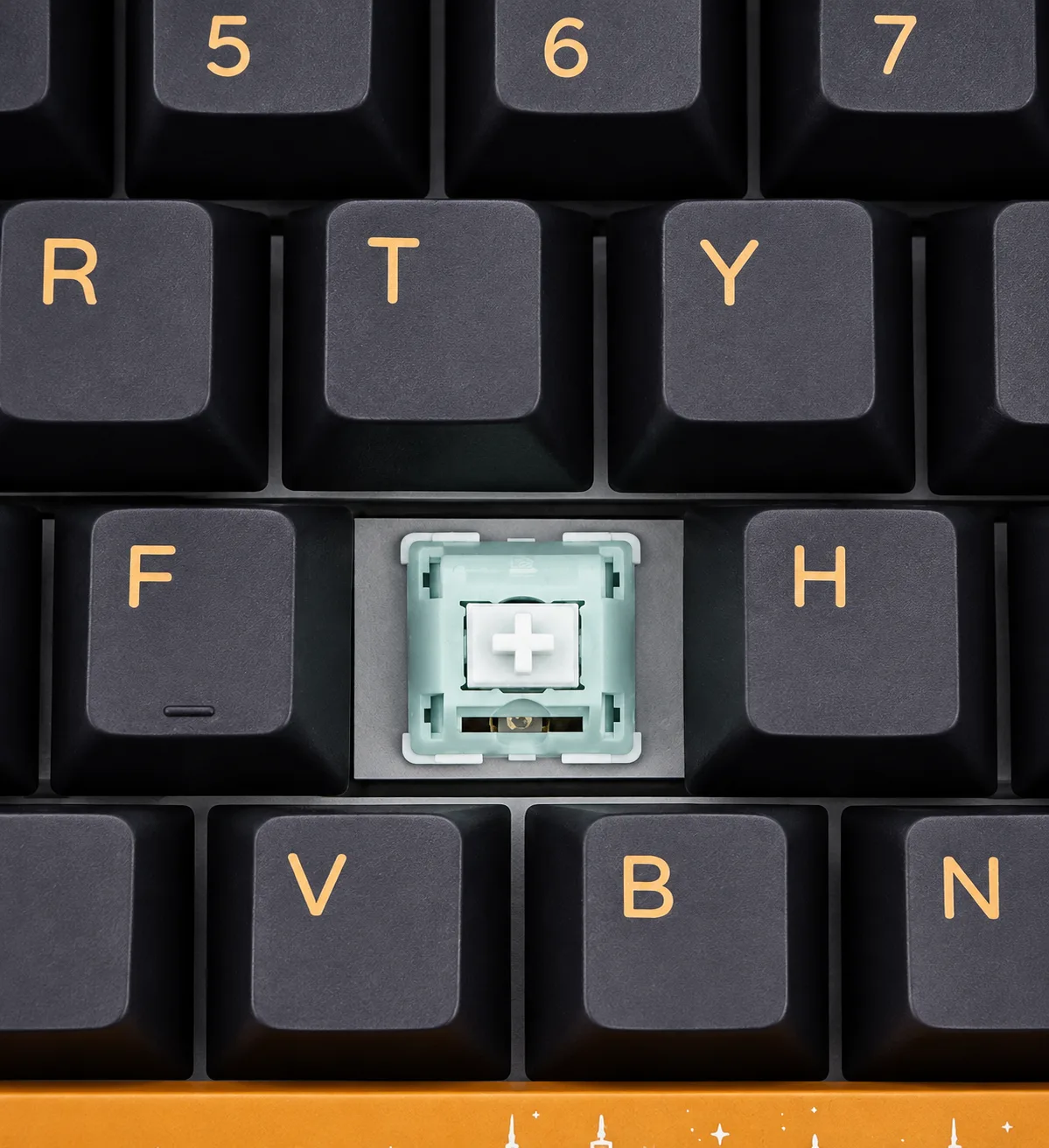
THECreamy Jadethey are linear switches pre-lubricated in the factory according to EPOMAKER. Linear travel does not include an intentional tactile step. The 45 ± 5 gf declared for actuation describes the force necessary to register the command. The 50 ± 5 gf at the bottom of the stroke refers to the end of the pressure. They are card values.
The systemhot swapallows you to replace compatible switches without soldering them. EPOMAKER indicates support for three or five pin mechanical models. I replaced the G key one with a spare from the package. Once the keycap was put back on, G responded normally.
Connections and battery
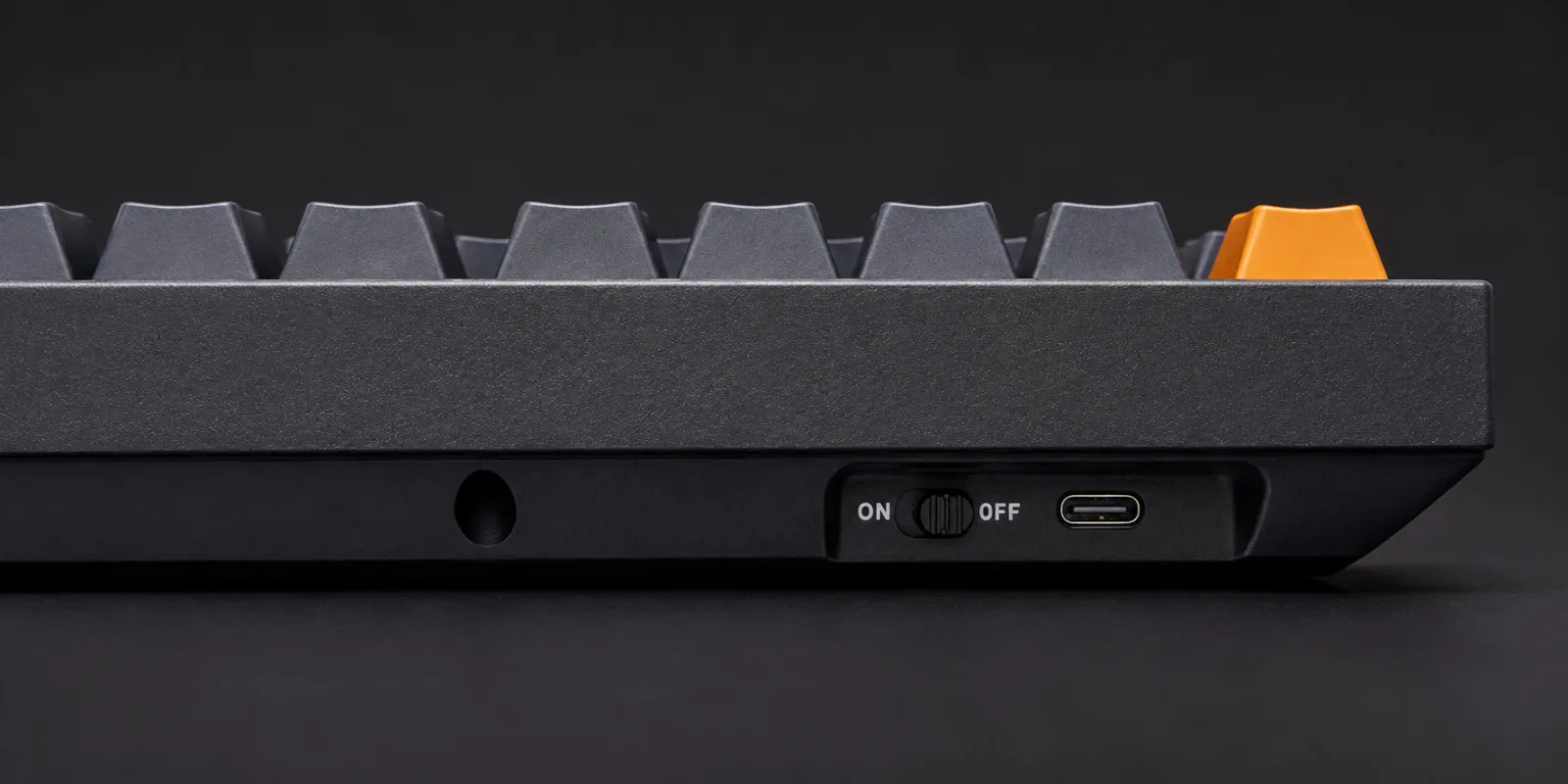
Windows immediately recognized the Galaxy75 via USB. Bluetooth pairing was also successful on the first try. We then tested the 2.4GHz connection using the receiver with the cable unplugged and Bluetooth turned off. In both wireless modes, response seemed immediate when writing. We did not measure latency.
The manufacturer declares a capacity of 8,000 mAh. With the charge received and before the first charge,Fn + Spaceit illuminated keys 1 to 5 in 2.4 GHz mode. We then verified cordless operation and indicator response. The duration in hours and the percentage associated with the five keys were not measured.
RGB and EPOMAKER Hub
From the keyboard we changed the effect withFn + Enter, adjusted brightness and speed with the arrows and turned the lights off and on again withFn + T. The color change viaFn + \did not give a visible result with the fixed effect tested.
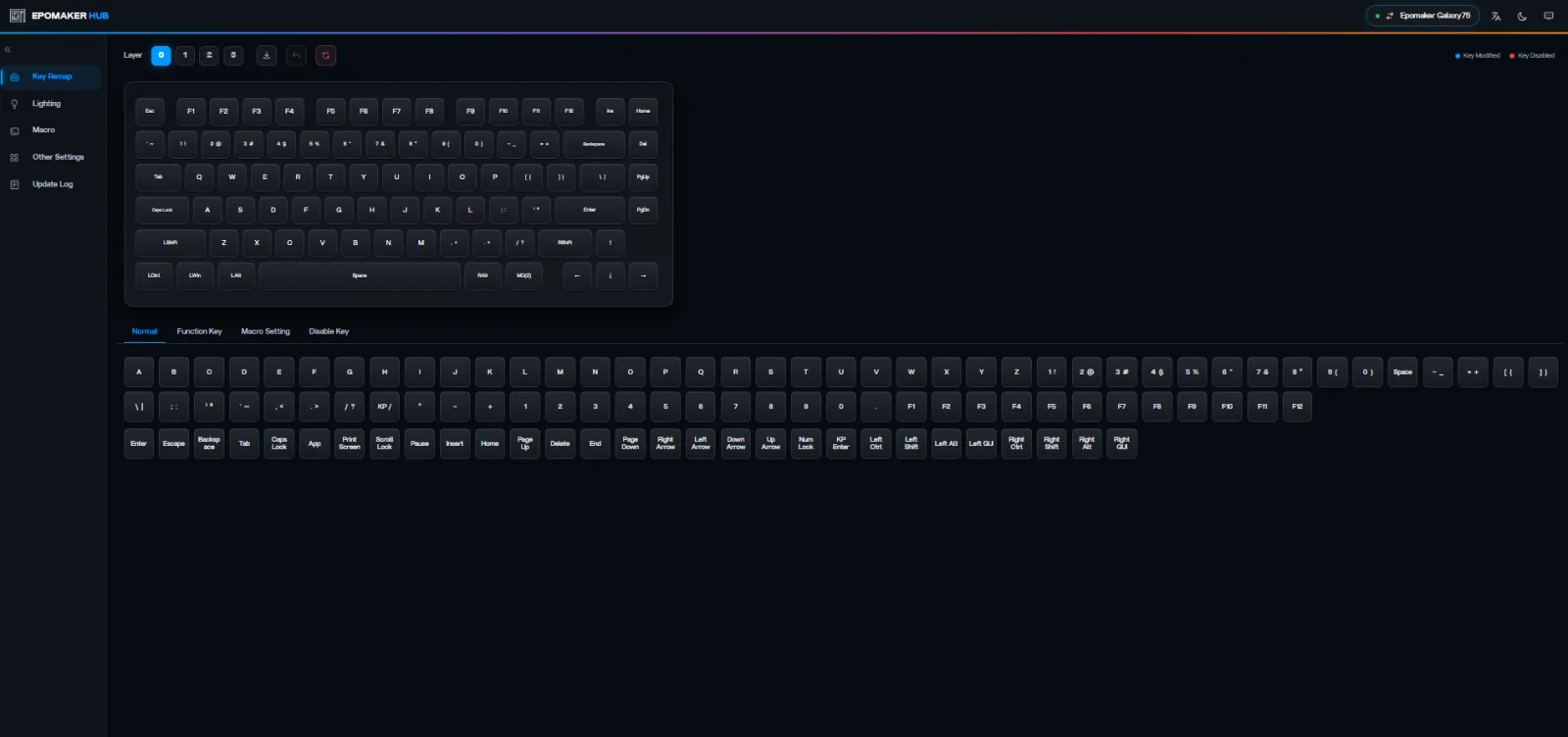
EPOMAKER Hub, accessible from the browser, immediately detected the keyboard via USB. In the test with only the 2.4 GHz receiver the configurator did not detect it. The Lighting section allowed us to immediately change the effect and color on the keyboard. Both settings remained active upon returning to the receiver.
Remapping and macros
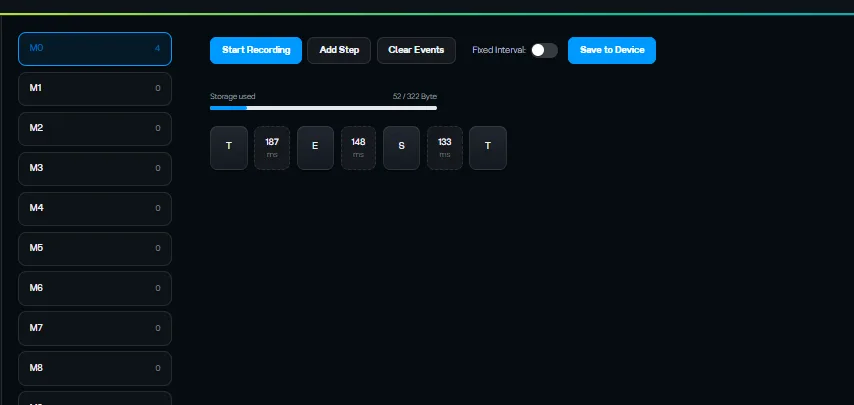
In Key Remap we temporarily assigned Enter to the PgDn key. The change worked in Notepad both via USB and after switching to 2.4 GHz. In the Macro section we then recorded the «test» sequence in the M0 slot, saving it on the keyboard. A single press of PgDn reproduced the sequence in both modes. We finally reassigned Page Down to the key and verified the recovery.
Pros and cons
Merits
- Pleasant typing and sound that offers audible feedback while writing.
- Stable body on the desk, comfortable edge in the first session and uniform pressure on the space bar.
- Tried three connection modes on Windows and successful G-key switch replacement.
- RGB effects, remapping and macros configured via USB and maintained when switching to 2.4 GHz.
Defects and limitations revealed
- ANSI US legends do not correspond to several symbols on the Italian map. The Page column may take a few minutes to adjust to when you search for Enter without looking.
- EPOMAKER Hub detected the keyboard via USB, while with the 2.4 GHz receiver it did not detect it in our test.
- The shortcut color change did not give a visible result with the fixed effect tried. Changing color from Hub worked.
Price and verdict
On November 27, 2026, the Black variant with Creamy Jade switch was proposed to$109onEPOMAKER official store. We have not verified a final price in euros for Italy. For comparison with local alternatives, the total shown at checkout, including any shipping costs and taxes, counts.
At that reference price, the Galaxy75 is interesting for those who want a stable body, typing with a recognizable sound and customizations that remain available even when switching to the receiver. The most concrete compromises are the ANSI US legends for those writing in Italian and the need to use the cable to configure it in the conditions of our test. Those looking for keys with Italian symbols or who need measured autonomy data will have to take these two aspects into account.


Commenti
Ancora nessun commento. Sii il primo a partecipare.