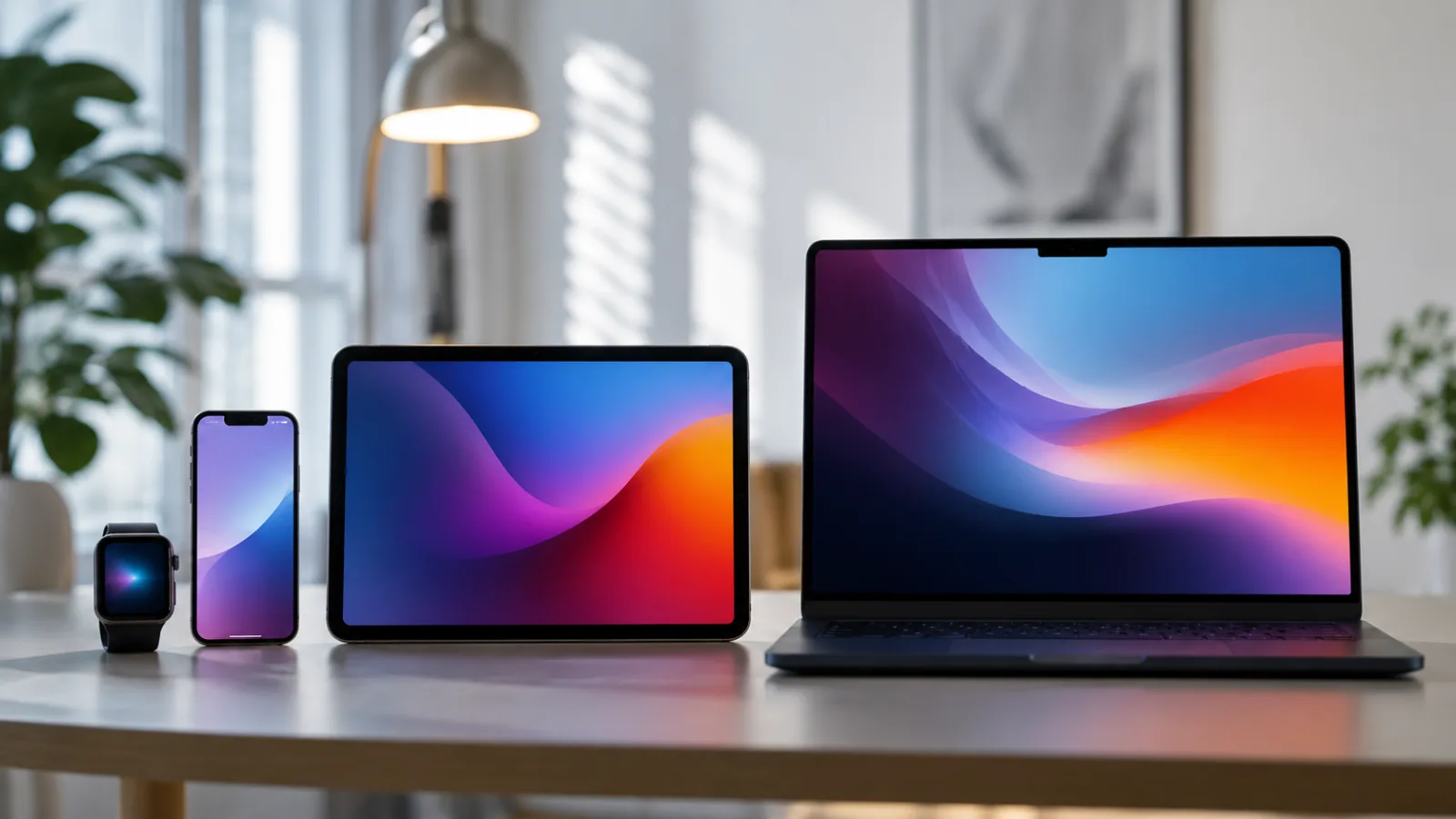
Make the Most of the Apple Ecosystem: 10 Essential Features to Know
Discover 10 key features to make the most of the integration between iPhone, iPad and Mac. Optimize your experience with the Apple ecosystem.
The Importance of Integration into the Apple Ecosystem
Apple ecosystem functions is at the center of the news: The Apple ecosystem is renowned for its ability to make different devices communicate fluidly, creating a cohesive and intuitive user experience. That you own aiphone, an iPad or a Mac, taking full advantage of the built-in features can greatly improve your productivity and everyday convenience. Apple's true strength lies precisely in this synergy, which allows you to move from one device to another without interruptions and access your information wherever you are.
10 Must-Have Features for the Apple Ecosystem
To help you better navigate the world of Apple, we have collected 10 essential functions that every user should know. These often overlooked features are the key to unlocking the full potential of your Apple devices.
Handoff: Continuity between Devices
Handoff is one of the most powerful features. It lets you start a task on one Apple device and continue it on another. For example, you can start writing an email on your iPhone and complete it on your Mac, or vice versa. The app icon will automatically appear on your Mac dock or iPhone/iPad lock screen when the devices are nearby and connected.
Universal Clipboard: Universal Copy and Paste
Tired of having to send files or messages between your devices just to copy a text? Universal Clipboard solves this problem. Copy text, image or file on one Apple device and instantly paste it to another. It works transparently, making information transfer a breeze.
AirDrop: Quick File Sharing
AirDrop makes it easy to share photos, videos, documents, and other files between nearby Apple devices. Just select the contents, choose the recipient and send. It's fast, secure, and requires no internet connections or active Bluetooth (although Bluetooth helps with initial detection).
Sidecar: iPad as Second Screen
Turn your iPad into an extension of your Mac thanks to Sidecar. You can use it as a secondary screen to extend your desk or as a mirrored display. It also supports Apple Pencil for drawing or taking notes directly on the iPad, which then appear on the Mac.
Continuity Camera: Use iPhone as a Webcam
If your Mac needs a higher quality webcam, you can use your iPhone. With Continuity Camera, your iPhone can be used as a webcam for your Mac, offering dramatically better video quality and advanced features like Center Stage and Studio Light.
iCloud: Data Synchronization
iCloud is the hub of syncing. Photos, contacts, calendars, documents, and even device settings are kept up to date across all your Apple devices. Make sure you have enough space and that sync settings are turned on for each service.
Universal Control: Unified Control
Universal Control lets you use a single mouse and keyboard to control multiple nearby Macs and iPads. The cursor moves fluidly between devices, and you can even drag and drop content from one to another, as if they were one large screen.
Calls and SMS on Mac/iPad
If your iPhone is connected to the same Wi-Fi network as your Mac or iPad and you're signed in with the same Apple ID, you can make and receive calls and texts directly from your other devices. This eliminates the need to always pick up the phone.
Apple Watch as Unlock for Mac
For those who own an Apple Watch, the Mac's automatic unlock feature is a real convenience. Once set up, your Mac will automatically unlock when you put on your Apple Watch and get close to it, eliminating the need to type your password.
Search for Devices with Find My
Apple's Find My network lets you locate your lost or stolen devices. You can view their location on a map, make them ring, or even block them remotely. The network also extends to compatible third-party devices.
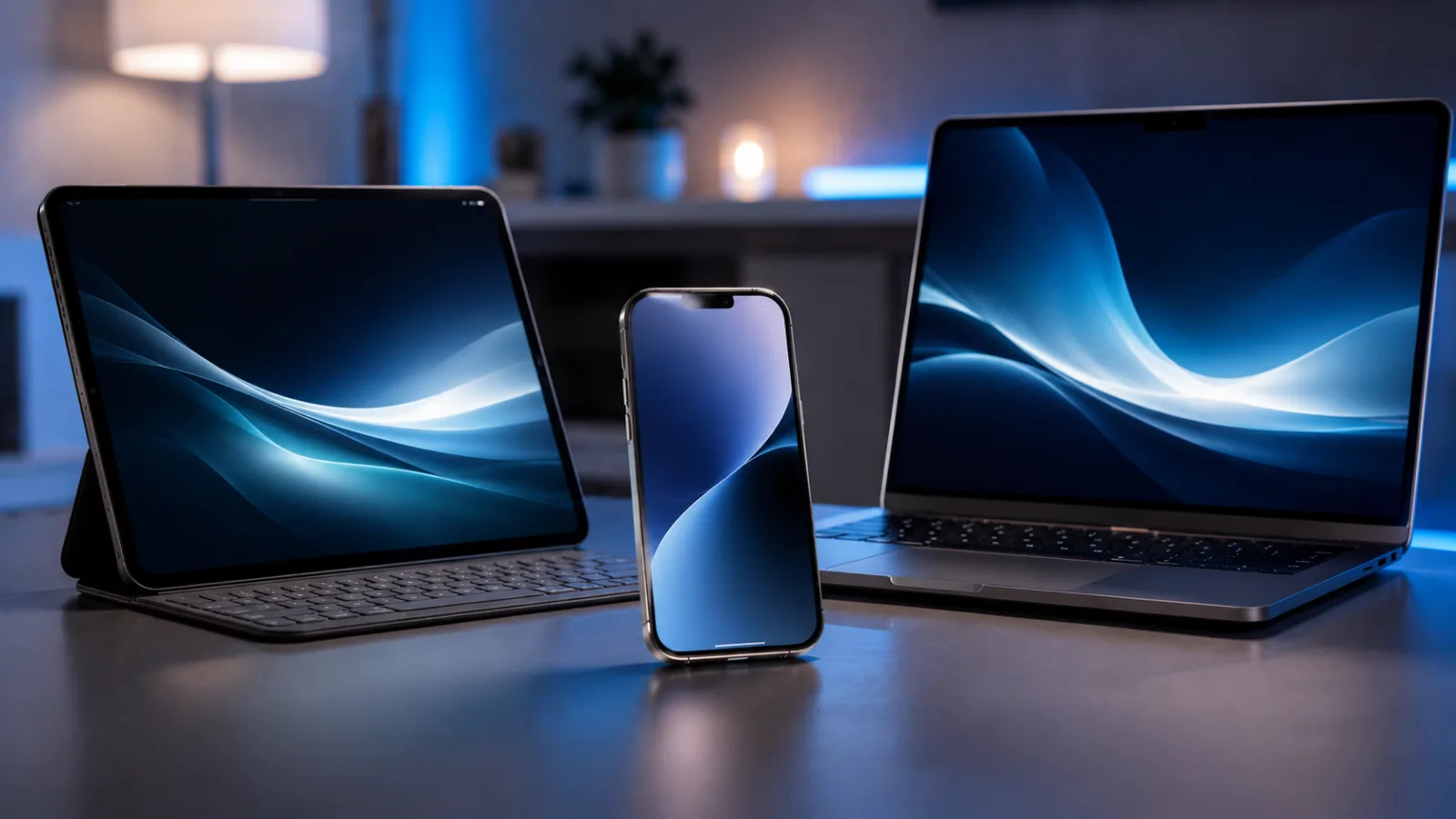
Apple ecosystem functions - Optimizing the User Experience
These 10 features represent only a portion of what the Apple ecosystem has to offer, but they are essential for anyone who wants to maximize efficiency and convenience in the daily use of their devices. Properly exploring and configuring these options can radically transform the way you interact with Apple technology.


Commenti
Ancora nessun commento. Sii il primo a partecipare.