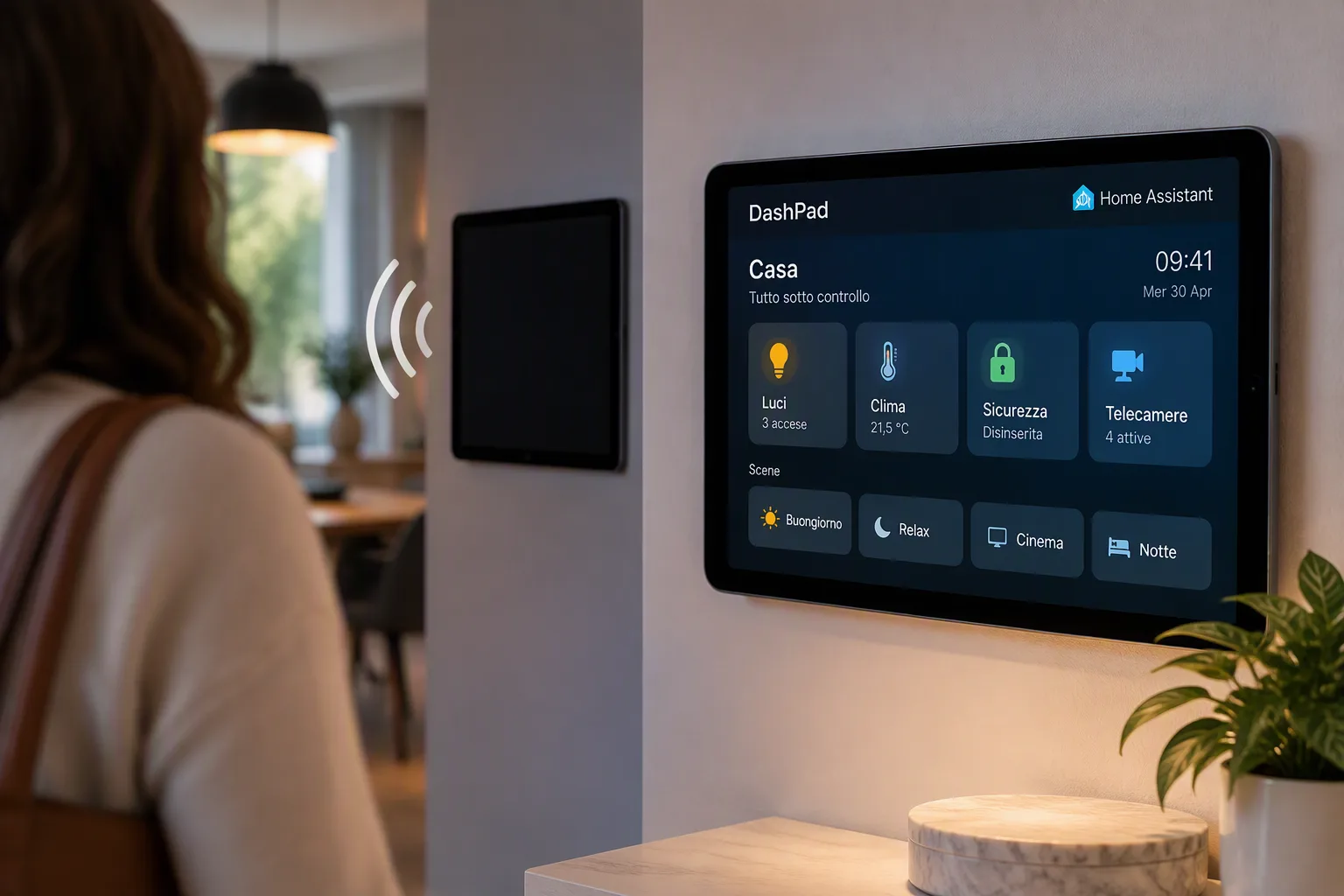
DashPad: The kiosk browser for iPad that only shows your dashboard when someone is there
DashPad is a new kiosk browser for iPad that transforms old tablets into smart dashboards for home automation, showing content only in presence
What is DashPad and how does it work
DashPad iPad dashboard is at the center of the news: In the world of home automation, reusing old devices is a common practice to optimize costs and resources. A concrete example is DashPad, an iPad application that transforms a tablet into a dedicated browser kiosk, designed to display dashboards of systems such as Home Assistant. The peculiarity of DashPad lies in its ability to show the complete dashboard only when it detects the presence of a person in the room, switching to a waiting screen when the environment is empty. This approach aims to solve the problem of existing kiosk apps, which are often too complex, and alternatives that keep the screen on continuously or require additional presence sensors. DashPad uses the iPad's front camera for presence detection, an innovative method that requires no external hardware.
DashPad: Kiosk Browser for iPad
Description:DashPad is a kiosk browser for iPad designed to turn old tablets into smart home automation dashboards. Show your dashboard (e.g. Home Assistant) in full screen only when it detects the presence of a person in the room, switching to an idle screen when no one is present.
Main features:
- Presence detection via iPad front camera.
- Dynamic dashboard view based on presence.
- Maximum attention to privacy: no data sent externally.
- Available as a free build to compile or one-time purchase on the App Store.
Ideal for:Users who want an always active but discreet dashboard for their smart home, reusing old iPads.
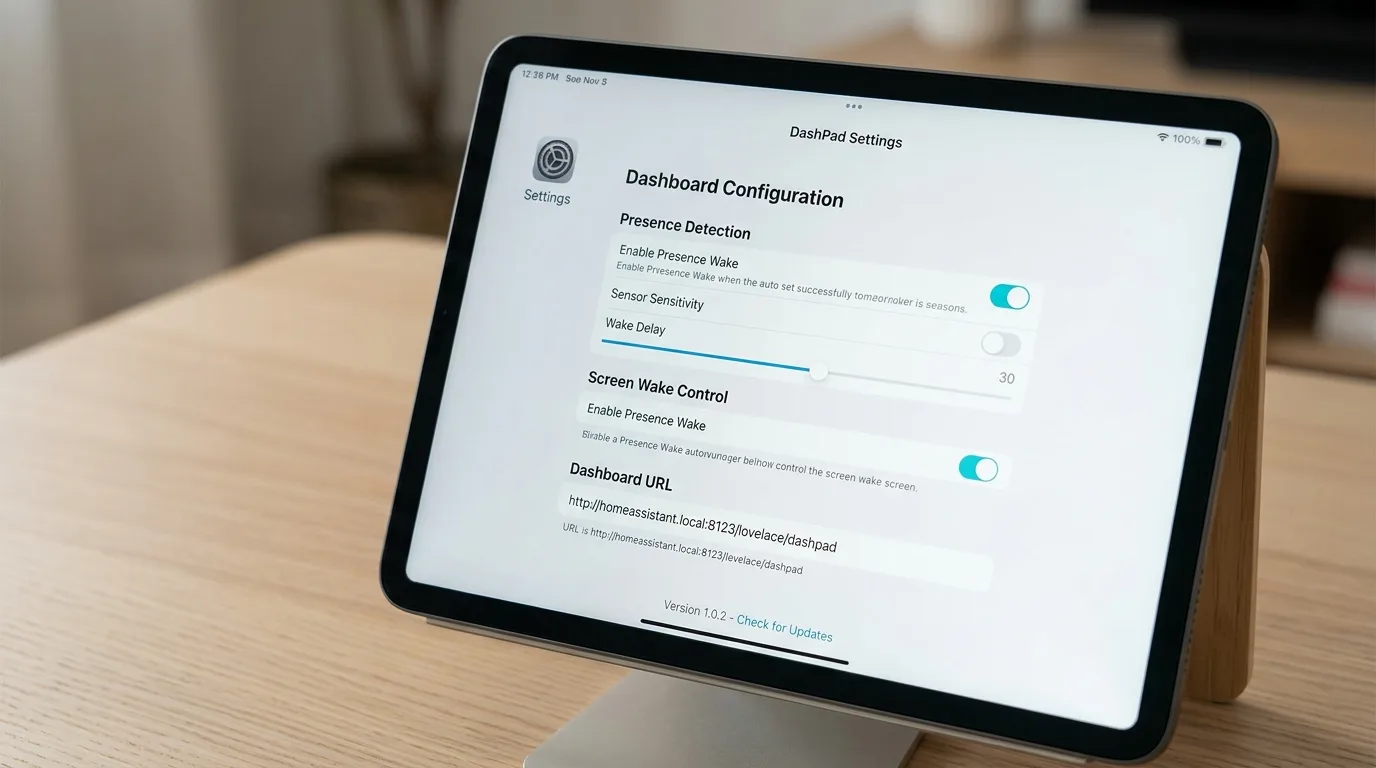
Presence detection and privacy
DashPad iPad dashboard - DashPad's operation is based on a sampling loop of the iPad's front camera. Every few seconds, the camera triggers to capture a single frame. This frame is processed locally via the Vision frameworkappleto analyze luminance (useful for understanding if the room is dark) and to determine if a person is in the frame. The image is immediately discarded from memory, ensuring that no data is written to disk, recorded or transmitted outside the device. The camera indicator remains active only for the brief moments necessary for acquisition and analysis. The sampling rate is configurable, with a slower mode for low-light conditions. Privacy is a focal point: DashPad makes no network requests of its own, nor does it include analytics or telemetry. The only network connection is the one generated by viewing the web URL provided by the user. The source code is public on GitHub, offering total transparency.
License and availability
The DashPad source code is available on GitHub, under a license that allows free personal and non-commercial use, as long as the user compiles the application independently. For those who prefer a ready-to-use solution, a version is available on the App Store, based on the same source code. This version can be purchased with a one-time payment, without subscriptions or in-app purchases, making it an affordable and accessible solution for turning an old iPad into a smart home control center.
Feedback requested from developers
The DashPad developer has primarily tested the application at home and would like to gather feedback from the community to further improve it. In particular, he is interested in knowing how presence detection behaves in different environmental conditions and home configurations. Areas of concern include rooms where the system may lack detection (for example, due to backlit windows, dim lighting, or placing the iPad at particular angles), the sample rates that work best for users, and the iPad models and versions of iPadOS used. This collaborative approach aims to make DashPad an increasingly effective and versatile tool for home automation enthusiasts.


Commenti
Ancora nessun commento. Sii il primo a partecipare.