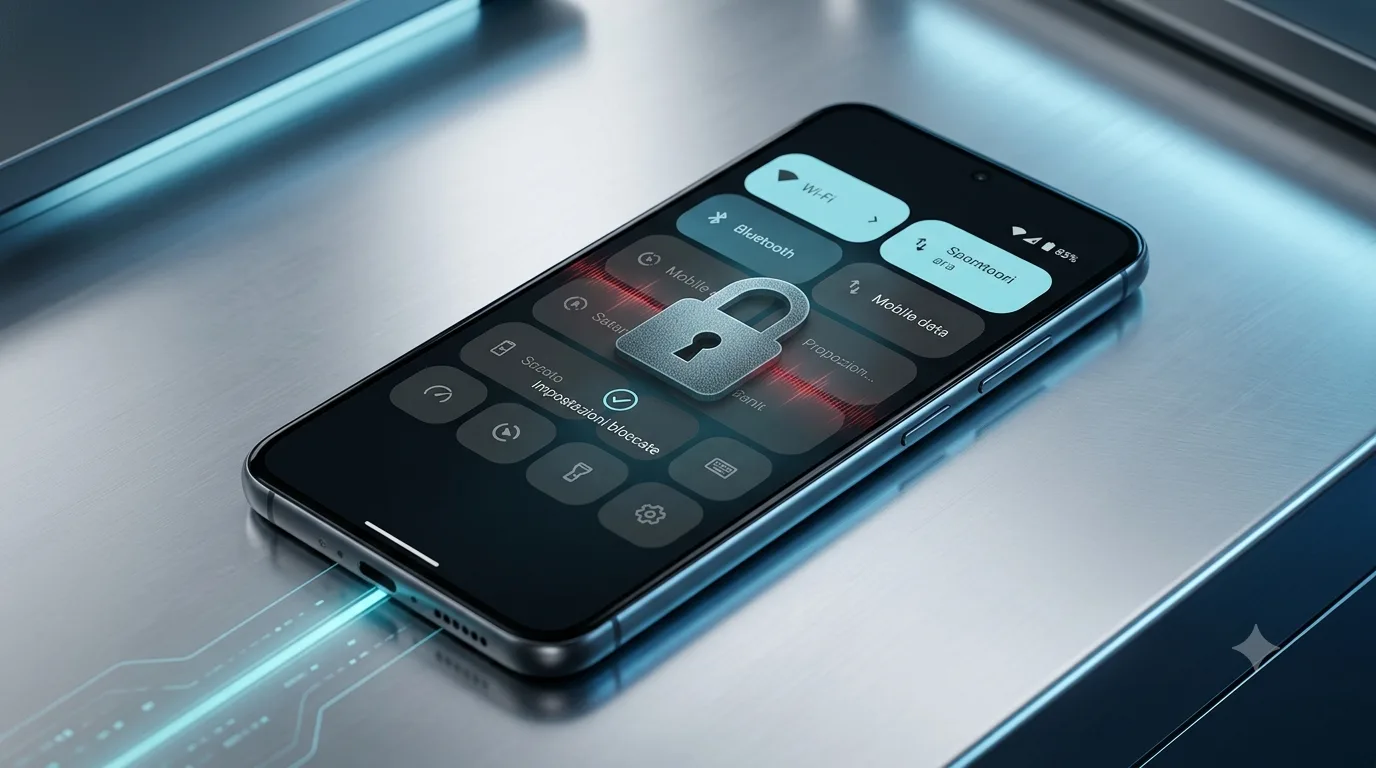
Google revises quick settings on Android: fewer controls from the lock screen
Google is rethinking the behavior of Quick Settings on Android when the phone is locked, limiting access to specific toggles
What are quick settings and why are they important
Quick Settings on Android are one of the most convenient and used features by usersusers. They give you quick access to essential controls like Wi-Fi, Bluetooth, mobile data, airplane mode, flashlight and more, simply by swiping down from the top of the screen. This immediacy is fundamental for efficient management of the device, allowing you to activate or deactivate functions without having to navigate through complex menus. Their presence, especially on the lock screen, offers an additional level of convenience, allowing for on-the-fly changes even when the device is not fully unlocked.
Update:Google is once again reviewing the behavior of Quick Settings on locked Android phones. The latest indications suggest that only some specific toggles will be accessible from the lock screen to improve security.
Google's proposed changes to lock screen quick settings
According to what emerged from an analysis of the code of a preliminary version of Android, Google is considering further limiting access to quick settings when the device is locked. This isn't the first time the company has explored this direction, but the new findings point to a more defined approach. The goal appears to be to balance convenience with the need to protect sensitive user data.
Which toggles will be limited?
The most significant changes concern the restriction of some specific toggles. Notably, it appears that only Wi-Fi, Bluetooth, mobile data, and airplane mode will remain accessible directly from the lock screen. Other controls, such as the flashlight or automatic screen rotation, may require fully unlocking the device to change. This selection aims to preserve connectivity functions that often need to be managed quickly, while preventing unwanted access to other settings.
The reasons behind the decision
The main reason behind this potential change is security. Allowing access to too many settings from the lock screen could expose users to risks, especially in public settings. For example, someone might turn off airplane mode to prevent device tracking or disable mobile data to limit connectivity. By limiting the available toggles, Google intends to reduce the attack surface and prevent potential abuse, ensuring that only the most critical connectivity functions are easily managed without unlocking the phone.
Impact on privacy and security of Android users
This overhaul of Google's lock screen quick settings, if implemented, will have a direct impact on the privacy and security of Android users. On the one hand, the increased restriction should strengthen protection against unauthorized access and unwanted manipulation. On the other hand, it may result in a slight decrease in convenience for users who are used to managing a larger set of settings without unlocking the device. Choosing which toggles to keep accessible seems like a thoughtful compromise to maximize security without excessively sacrificing usability. The company continues to monitor and adapt its security policies to respond to emerging threats and ensure an increasingly secure Android ecosystem. The evolution of lock screen quick settings is a clear sign of Google's attention to protecting user data.
Focus Security:Restricting controls on the lock screen is a proactive measure to prevent unauthorized access to features that may compromise the privacy or security of your device, such as turning off mobile data or turning on airplane mode.
Source:AndroidAuthority


Commenti
Ancora nessun commento. Sii il primo a partecipare.