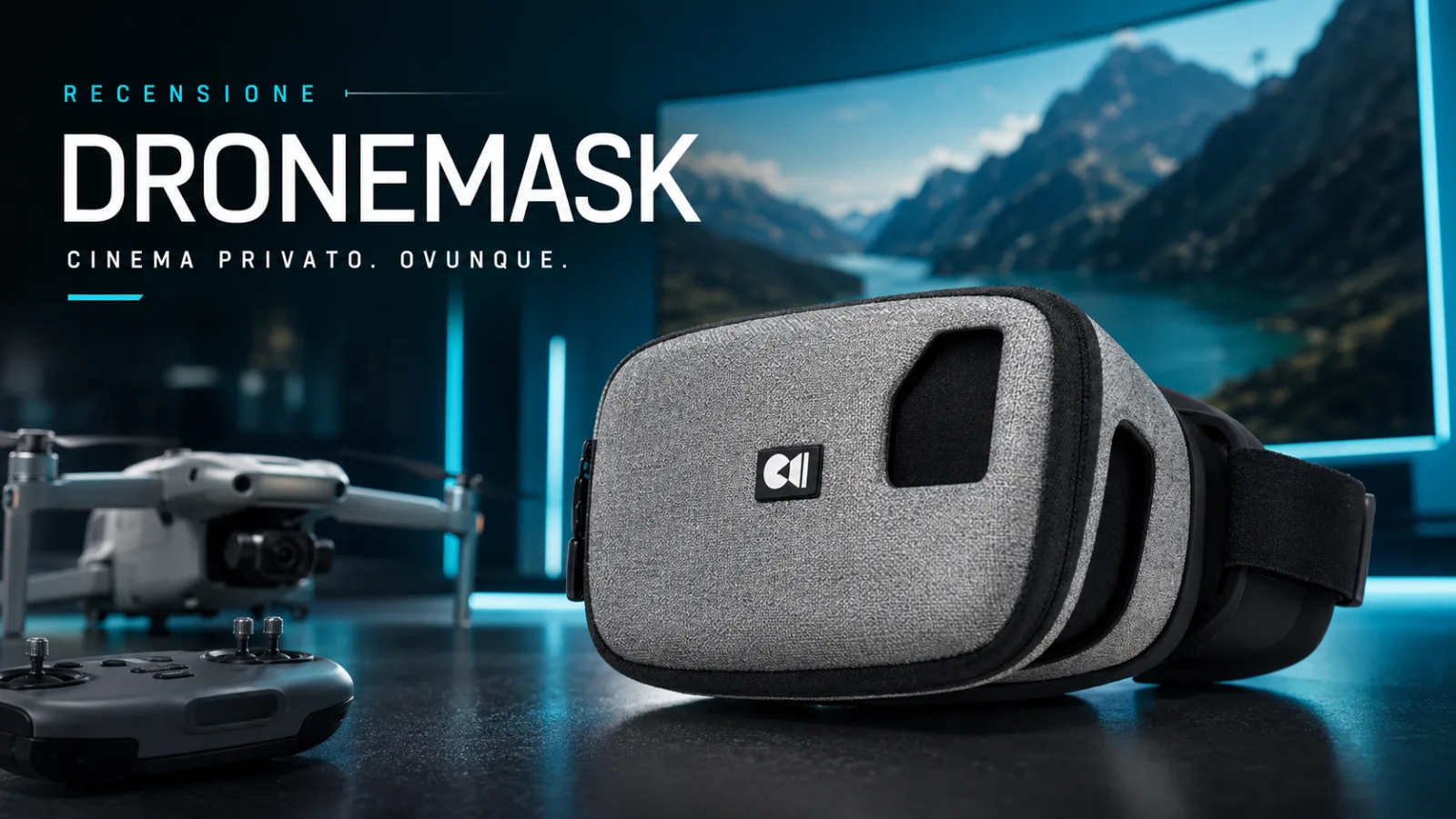
DroneMask 2 - The review by TecnologiaDigitale
I had the opportunity to test the DroneMask 2, sent to me by the Drone Mask team, and I must say that in general I am...
DroneMask 2 - The review
I had the opportunity to test the DroneMask 2, sent to me by the development team, and I must say that in general I was pleasantly impressed. Image distortion is minimal and I appreciated the visual clarity, although I had some doubts at first, as my DJI Mini 2 has a smaller field of view than other FPV drones. However, I also noticed some flaws. Now I will try to delve into the strengths and weaknesses I found in this review.
Package contents
DroneMask2 contents Inside the package we find:
- DroneMask 2
- linen case
- USB-C to USB-C cable
- USB-C to iPhone cable
- microUSB to USB-C adapter
Construction quality
In my opinion this mask was well built and is also quite light, DroneMask2 Quality especially without the phone. The mask is quite comfortable to wear, thanks to the presence of soft fabric around the eye area, which avoids rubbing on the skin. Furthermore, I was able to appreciate the excellent quality of the glass optics, with a surface free of scratches or other visible marks. The fabric exterior also proves to be quite functional and well finished. However, I noticed some difficulty in inserting some types of phones correctly into the elastic base, when the side buttons are not positioned optimally. The interiors of the mask display a nice matte finish, which helps reduce any internal reflections from the walls of the mask. The single lens is actually made up of two separate lenses, one for each eye, and provides good screen magnification while minimizing distortion at the extremes of vision. Finally, the head band also seems to be well finished and offers good support to the head.
Comfort
During the test I must say that I found some positive aspects, but also some critical issues. For example, I appreciated the presence of many strap adjustments and the ease of adjusting the optics for maximum magnification and focus. However, while using the mask to watch 360-degree videos on my phone, I ran into difficulty after about 10 minutes. The weight of the mask and phone on the nose area created some discomfort. Some additional adjustments and more padding around the viewing port would have been helpful to improve comfort.
Characteristics
I have to say that this mask offers a wide range of features that make it extremely versatile. For example, the quality of the glass in the mask makes it ideal for virtual reality or for use as a virtual home cinema, allowing you to enjoy films in the most immersive way possible. Personally, I've found the goggle to be very useful with VR movie apps, although it should be kept in mind that not all types of VR apps are compatible with the goggle. In fact, the Drone Mask 2 doesn't support VR apps made for Google's cartoon-style viewing that use split binocular vision. Instead, it works great with apps and videos that support full-screen 360-degree video. Additionally, the mask is perfect for augmented reality applications and the removable cover allows your phone's camera to view from the front of the mask. This way, it is possible to use the mask not only with drones, but also for increasingly common AR experiences. Another thing I noticed is that the new version of the mask has a larger window to allow the multiple cameras to capture the environment outside the mask. Overall, the features of the Drone Mask 2 are very well thought out and fit many different needs.
Defects found
While it has many excellent features, there are some minor flaws to keep in mind. For example, when using it on a sunny day, I noticed a slight leak of light filtering through the top of the viewing port where your head sits. This did not significantly affect the experience of use, but it can be a little distracting from the external environment and the light that is reflected in the optics. A useful solution would be to provide some padded inserts to shape the viewing port and fit it to the user's head or add more padding around the viewing port which could solve the problem more effectively. Additionally, the mask has some slits at the bottom to allow your hands to reach your phone while using it. However, I noticed that these slots are quite narrow and the magnifying effect of the lens makes it difficult to use the phone while holding it in the mask. Additionally, the slots are separated by a central portion, which forces the user to swap hands to interact with different ends of the phone's screen. This can be inconvenient and make the user experience less fluid. I would have preferred to have a single long slot that allowed you to use just one hand to interact with the entire phone screen. In general, although the presence of the slots is an excellent feature, more attention to the size and arrangement of the slots would have been useful to ensure a more fluid user experience. In general, the DroneMask 2 seems to have some very small criticisms, but it is certainly a valid product with many positive features.
Use with Smartphone
While many phones appear to be similar in size, there are still many phones that are over 6 inches in screen diameter that probably wouldn't fit in the mask. During my tests, I saw that the Oppo Reno 6 Pro, with a diagonal of 6.5 inches, only barely fits and creates some problems in the cable connection and image distortion. Also, the best way to route cables is to place them between the hinges, but this isn't very tidy. I would prefer to have a dedicated cable port to reduce strain on the cable. In general, like many other drone masks and glasses, the DroneMask 2 requires extra settings before flying compared to those flying in FPV mode.
Improvements
First of all, before putting on the mask, you need to place your phone inside the mask, connect the cable, load the flight app, close the mask and connect it to the drone. Another thing I find problematic is the fact that the camera field of view on drones flying in FPV (First Person View) mode is too narrow. So, due to this, the peripheral vision of our surroundings is reduced, making it difficult to judge objects and distances around us.
Flying experience
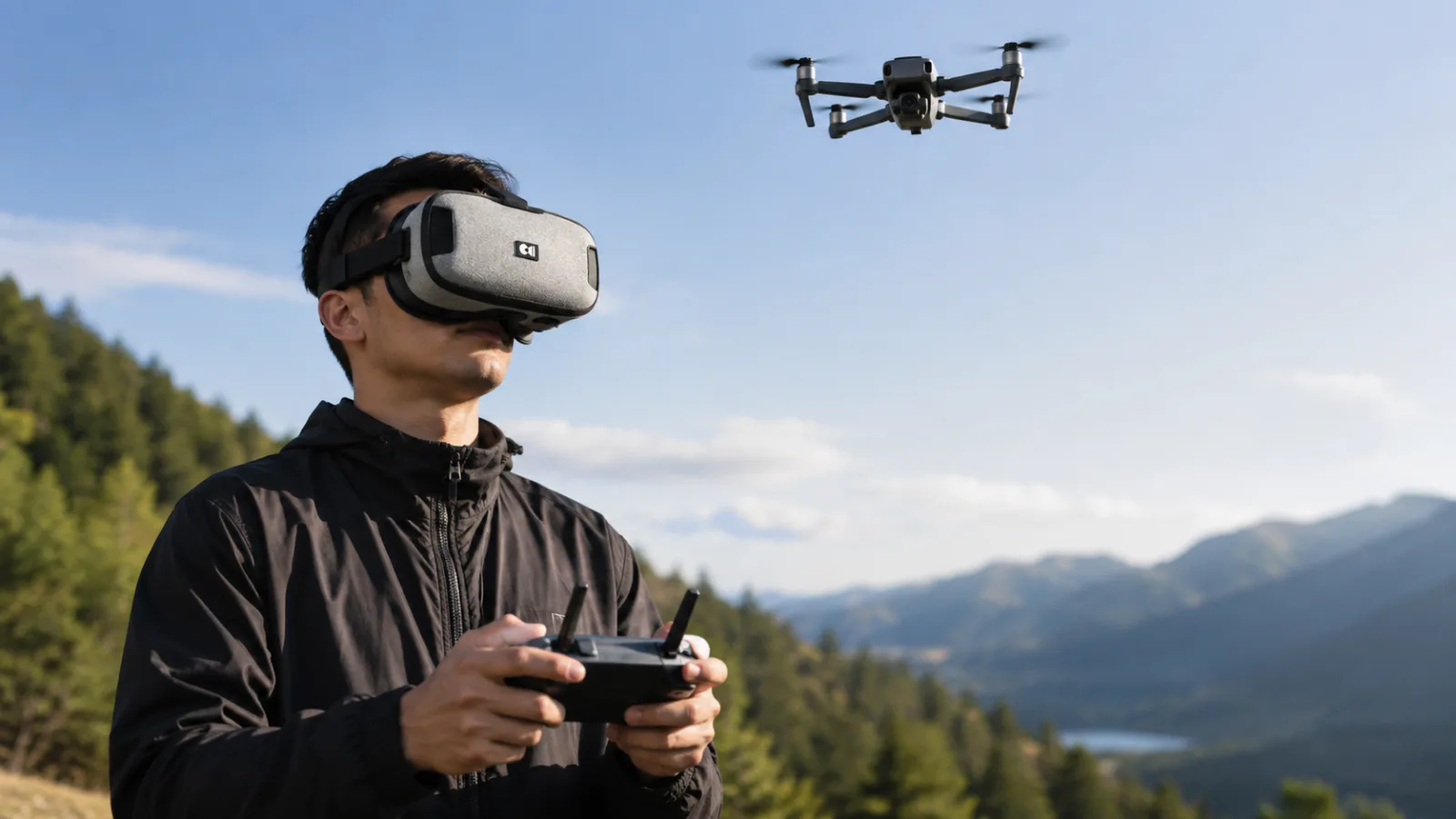
Flying with the Drone Mask 2 is truly engaging and exciting. I really enjoyed the flying experience and had a better view of the drone's camera feed. However, I have to admit that the field of view on camera drones is too narrow for my liking. I prefer to use cameras on FPV style drones that offer greater peripheral vision. Despite this, I think the DroneMask 2 is a choiceexcellentif the main goal is to get the best viewing experience during the flight. The optics magnify the phone screen well, providing a stunning visual experience during flight. Personally, however, I prefer to fly my drone in FPV to have more control over shots and a better sense of where the drone is.
Conclusions
Overall, I think the DroneMask 2 is a good choice for drone pilots who are looking for the best visual experience while flying. Same thing for those who have difficulty seeing their phone screen in direct sunlight. If you have trouble seeing your phone screen while flying FPV, you could try using a larger tablet or phone, or you could choose to purchase the DroneMask 2, which is recommended, to have a better visual experience in the field which I recommend. Despite this, I believe there are some issues that, if resolved, would make the DroneMask 2 an even better product. However, most users will definitely have a good experience with this mask. If you are interested in purchasing the DroneMask 2Click hereto purchase it with a 15% discount.


Commenti
Ancora nessun commento. Sii il primo a partecipare.